


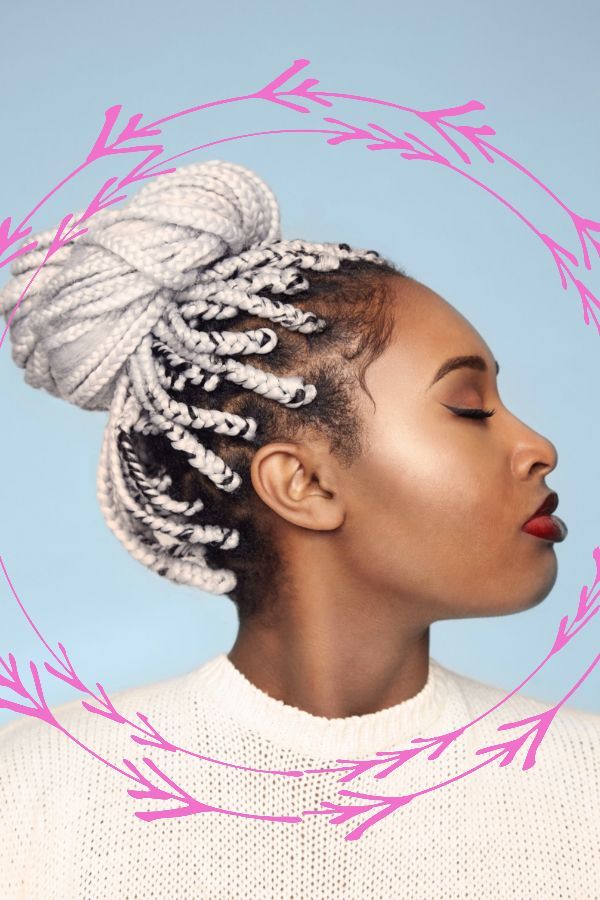
Your profile picture is often the very first impression you make online. Whether it’s LinkedIn, Instagram, Facebook, TikTok, or a personal portfolio, that small image quietly communicates credibility, personality, and attention to detail.
And while people often focus on lighting, filters, or expressions, one of the most overlooked but high-impact design choices is this: to add frame to photos.
A simple frame can transform an ordinary profile picture into something polished, intentional, and memorable. It’s a small design element, but it carries real psychological and branding weight.
In this guide, we’ll break down everything you need to know about frames for profile pictures—what they do, why they work, how to use them effectively, and how tools like Cartoonize make the process effortless even for beginners.
Why Adding a Frame to Photos Makes a Big Difference
At first glance, a frame might seem like a decorative extra. But in visual communication, structure matters.
A frame acts as a visual boundary. It tells the viewer: this image is important—focus here first.
That simple cue changes how your profile picture is perceived across platforms.
1. Frames improve visual focus
Without a frame, your profile picture competes with noisy backgrounds, UI elements, and crowded feeds. A frame isolates your image and directs attention exactly where it should be—your face.
2. Frames strengthen personal branding
Consistent profile picture frames can become part of your identity. Think of creators or brands you instantly recognize just from color or layout—that’s visual consistency at work.
3. Frames add professionalism
Even a casual selfie can look structured and intentional with the right border. This is especially valuable for LinkedIn, resumes, and business profiles.
4. Frames influence perception
Different frame styles create different emotional impressions:
- Thin black border → professional and minimal
- White clean frame → modern and neutral
- Rounded frame → friendly and approachable
- Bold colored frame → creative and expressive
In short, when you add frame to photos, you’re shaping how people feel about your image before they even read your name.
The Psychology Behind Profile Picture Frames
Design is not just visual—it’s psychological.
Humans naturally prefer structure. Our brains process defined edges more easily than undefined visuals. A frame creates order, and order builds trust.
This is why framed images often feel:
- More intentional
- More complete
- More “professional”
This effect is known as visual anchoring—when the brain uses boundaries to interpret importance.
A profile picture without a frame may still look fine, but adding one subtly signals effort and clarity. That small difference can influence how others perceive your credibility online.
Types of Frames for Profile Pictures (and When to Use Them)
Not all photo frames for profile pictures serve the same purpose. The right choice depends on your platform and personal or professional identity.
1. Minimal Border Frames
Best for: LinkedIn, resumes, corporate websites
These are thin, subtle outlines that enhance structure without drawing attention away from your face.
Why it works: clean, professional, and distraction-free
2. Circular Frames
Best for: Instagram, Facebook, TikTok, messaging apps
Most platforms already crop images into circles, but adding an internal circular design frame can improve balance and visual polish.
Why it works: familiar and universally compatible
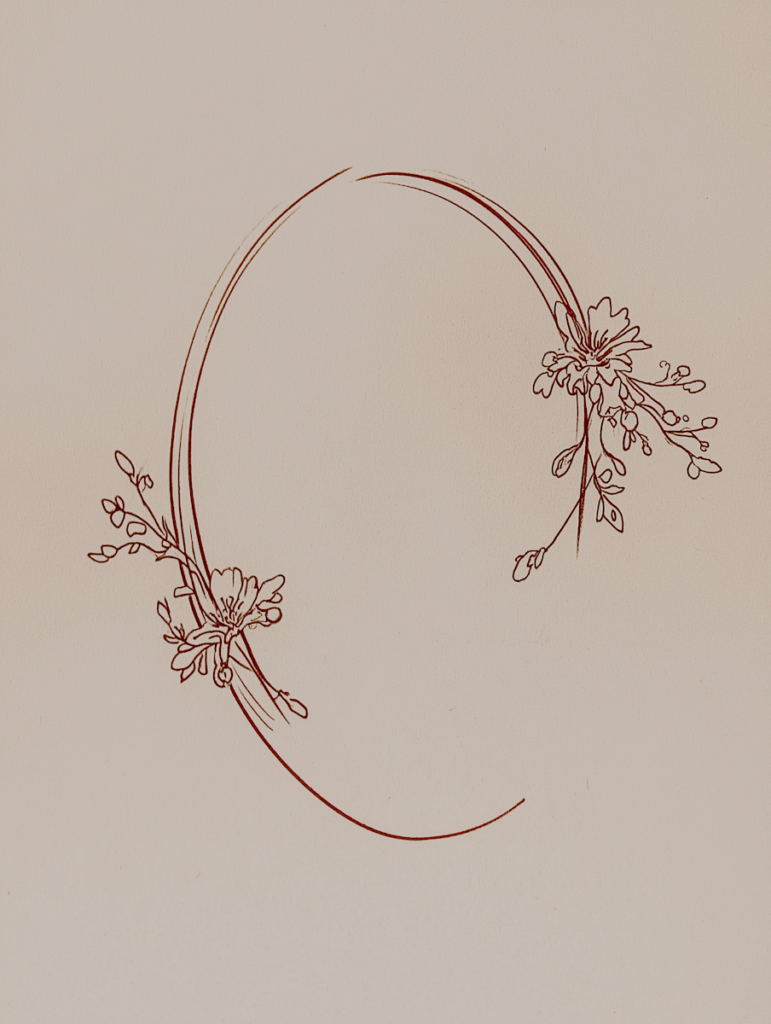
3. Decorative or Artistic Photo Frames
Best for: creatives, portfolios, personal branding
These include brush strokes, floral borders, sketch effects, or textured designs.
Why it works: expressive and personality-driven
4. Brand-Colored Frames
Best for: entrepreneurs, creators, businesses
Using your brand colors in your profile picture frame builds recognition across platforms.
Why it works: consistency and memorability
5. Gradient Frames
Best for: influencers, digital creators
Gradient styles feel modern and dynamic, often used in social-first branding.
Why it works: eye-catching and trendy
How to Add Frames to Photos (Step-by-Step Guide)
You don’t need advanced design skills or professional software to create high-quality framed profile pictures. Today’s online photo editors make it simple to add frame to photos in minutes.
Here’s a practical workflow:
Step 1: Choose a high-quality portrait
Start with a clear, well-lit image. Frames enhance composition—they don’t fix poor quality photos.
Step 2: Define your purpose
Ask:
- Is this for professional use?
- Social media?
- Personal branding?
This determines your frame style.
Step 3: Pick a frame style
Choose based on tone:
- Professional → minimal borders
- Casual → soft rounded frames
- Creative → artistic photo frames
- Branding → custom-colored frames
Step 4: Use an online photo frame editor
This is where tools like Cartoonize make the process effortless.
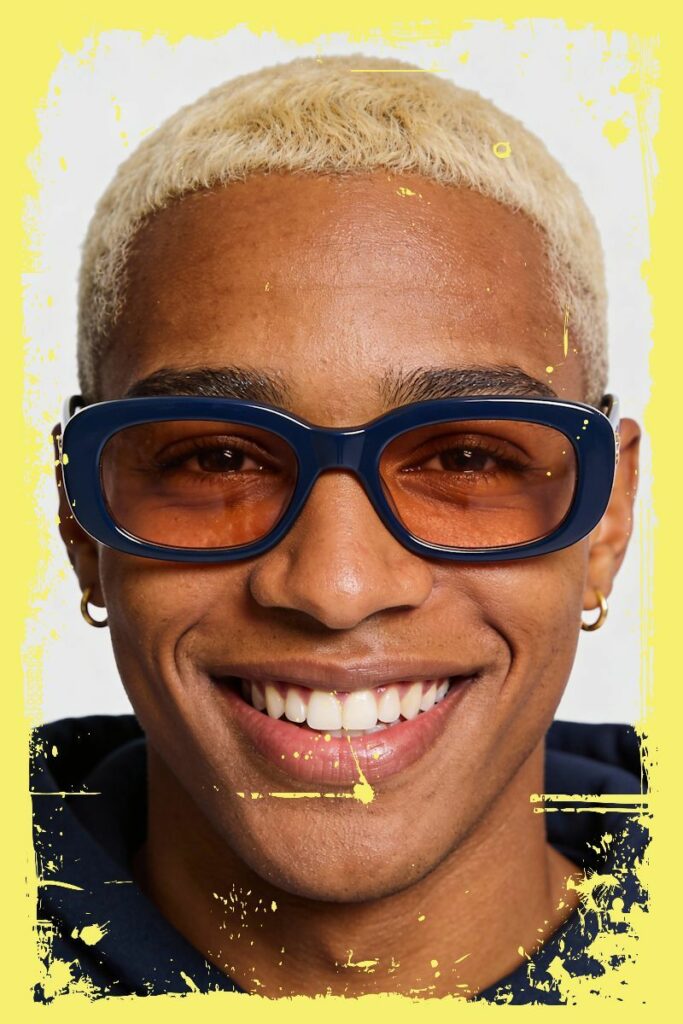
Cartoonize provides a unique collection of artistic photo frames, allowing users to personalize images quickly with just a few clicks. It functions as an intuitive online photo editor designed for both beginners and experienced creators.
Inside Cartoonize, you can explore a wide variety of free photo frames, including:
- Classic frames
- Contemporary styles
- Grunge textures
- Vintage-inspired borders
This makes it easy to match your profile picture to your intended tone or platform.
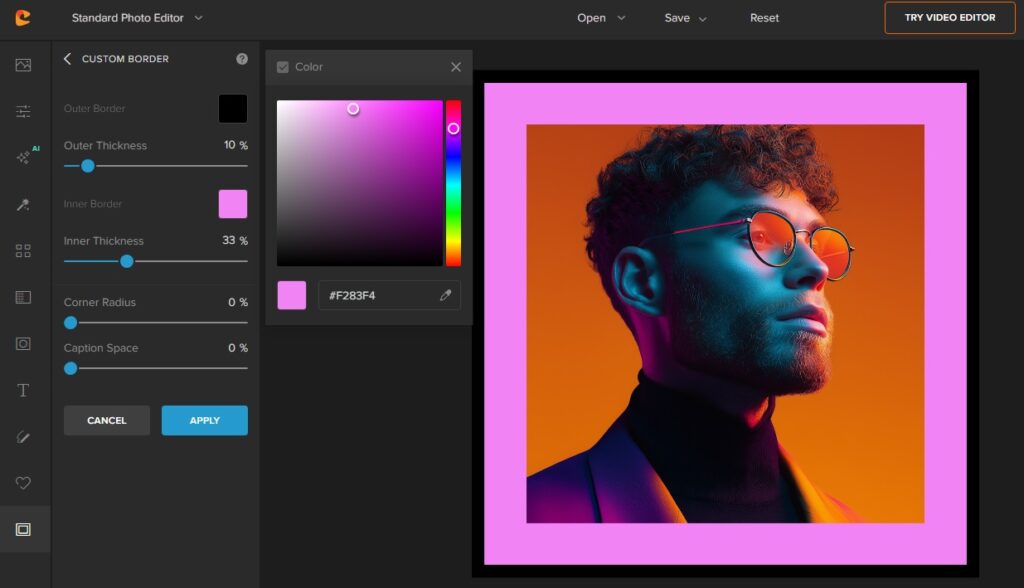
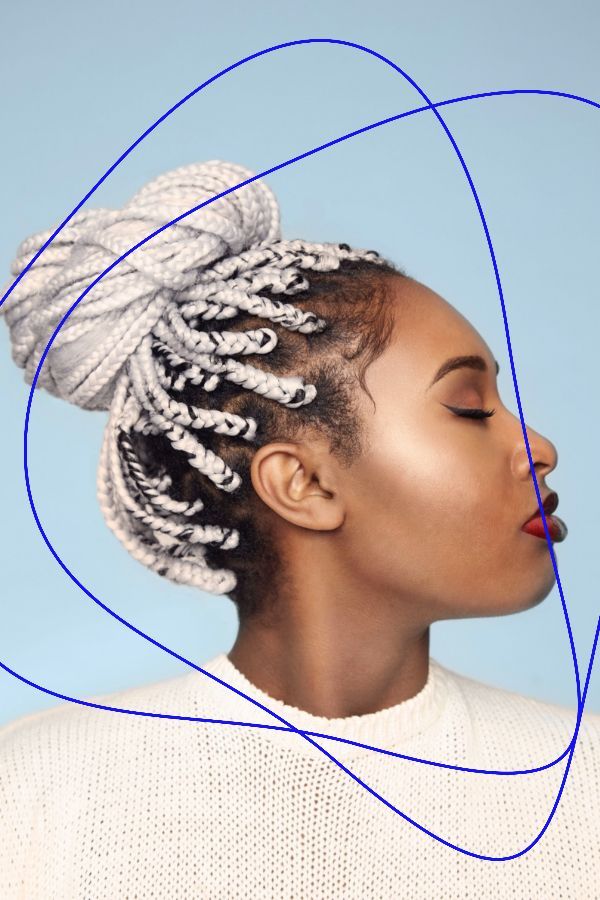
Beyond selection, Cartoonize also lets you fine-tune your design. You can create a fully customized photo border by adjusting:
- Frame color
- Opacity
- Thickness
- Blending style
These controls allow your frame to feel integrated with your image rather than simply placed on top of it.
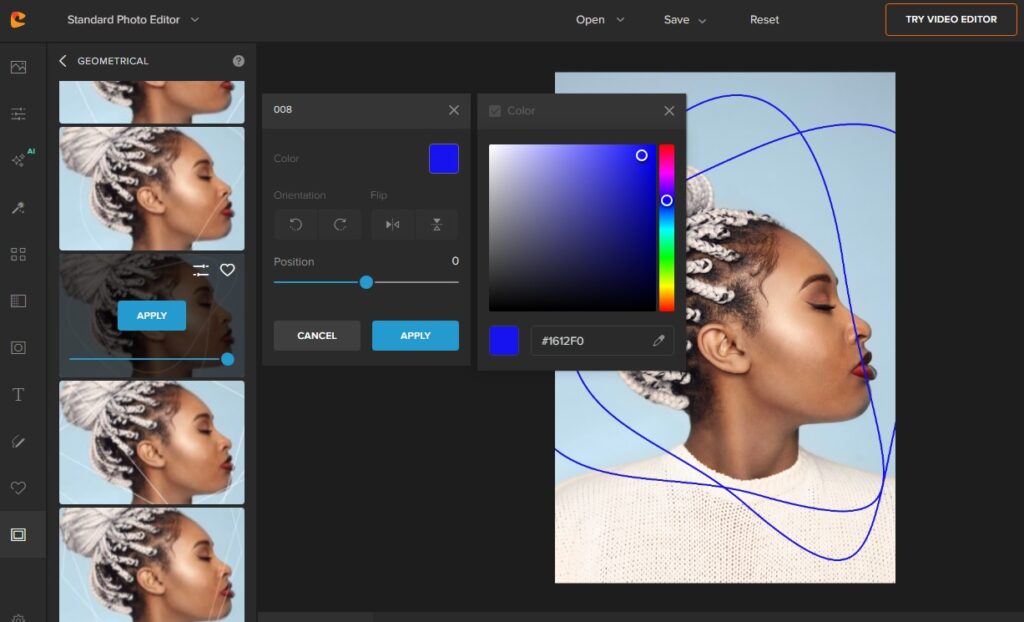
For users searching for photo frames online free, this level of flexibility is especially useful because it combines ease of use with professional-quality results—without requiring design experience.
Step 5: Fine-tune composition
Make sure your face remains the focal point. The frame should support visibility, not reduce it.
Step 6: Export in high resolution
Always export in at least 1080×1080 pixels for sharp results across all platforms.
Common Mistakes When Adding Frames to Photos
Even simple edits can go wrong if overdone. Avoid these common mistakes:
1. Overly thick frames
Too much border reduces focus on your face.
2. Excessive decoration
Too many patterns or effects can look unprofessional.
3. Mismatched tone
A playful frame on a corporate profile weakens credibility.
4. Ignoring platform cropping
Always preview how your image appears in circular or square formats.
Best Practices for Profile Picture Frames
To get the most out of your framed profile picture:
Keep it simple
Clean designs perform better across platforms.
Stay consistent
Use similar framing styles across social media.
Align with identity
Your frame should reflect your personality or brand.
Prioritize clarity
Your face should always remain the focal point.
Test variations
Small changes in frame style can impact engagement and perception.
Why Frames Matter More in 2026
We live in a highly visual, fast-scrolling digital environment. Attention spans are short, and first impressions happen in seconds.
A well-designed frame helps your profile picture:
- Stand out in crowded feeds
- Improve recognition speed
- Reinforce identity instantly
In many cases, it creates a “pause effect”—a small moment where someone stops scrolling just long enough to notice you.
That moment is valuable in personal branding, job searching, and content creation.
Who Should Add Frames to Photos?
Frames are useful for almost everyone, but especially:
- Professionals optimizing LinkedIn profiles
- Freelancers building personal brands
- Content creators growing social media presence
- Entrepreneurs establishing trust online
- Students and job seekers improving resumes and portfolios
If your profile picture represents you in any meaningful space, a frame is a low-effort, high-impact upgrade.
Final Thoughts
Your profile picture is more than just a photo—it’s a digital identity marker.
And when you add frame to photos, you’re not just decorating it. You’re refining how people perceive you online—making your image clearer, stronger, and more intentional.
The best part is that you don’t need advanced editing skills or expensive software. With the right online photo editor, anyone can create polished, professional-looking profile picture frames in minutes.
Tools like Cartoonize make this even easier, offering a wide range of artistic photo frames, customizable borders, and intuitive editing features designed for real users—not just designers.
Because in the end, a great profile picture isn’t just about how you look.
It’s about how clearly you show up.
