


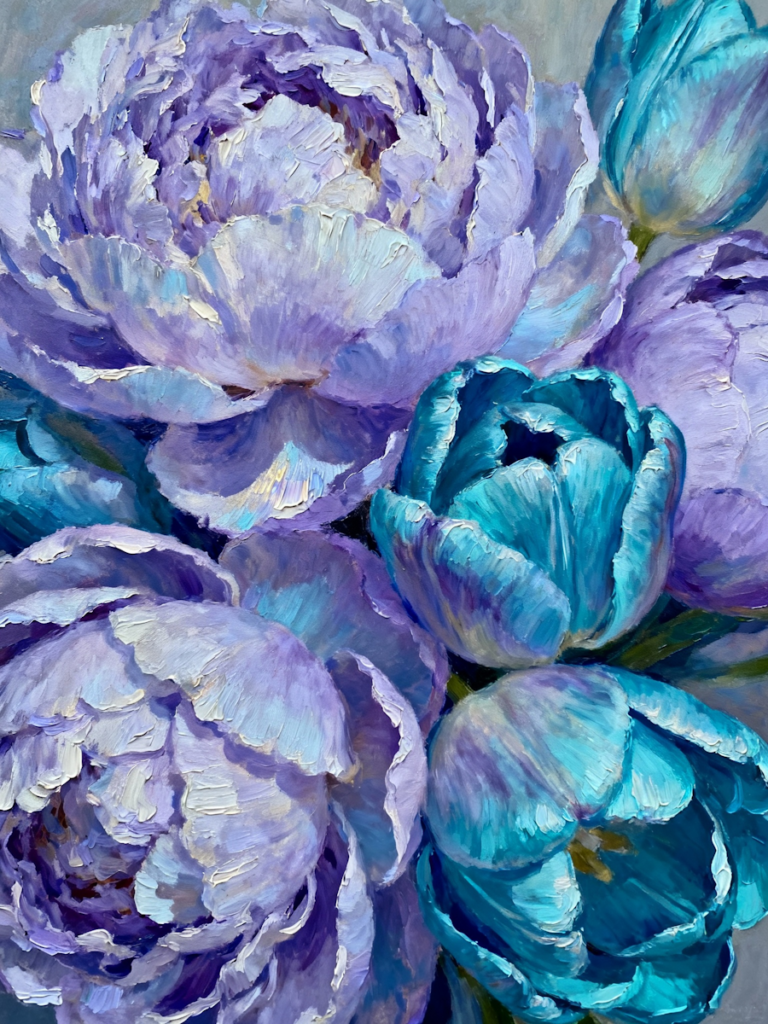
There is something timeless about an oil painting. The rich brushstrokes, textured colors, and handcrafted feel can turn even an ordinary photo into a piece of art. While traditional oil painting takes years to master, modern technology has made it possible for anyone to recreate the look with just a few clicks.
Whether you want to preserve a family portrait, create personalized wall art, or make your social media posts stand out, you can now transform your photos into oil paintings without picking up a paintbrush.
In this guide, we’ll show you why the oil painting effect remains so popular, when to use it, and how to create beautiful painterly images online.
Why Turn a Photo into an Oil Painting?
Photography captures reality, while paintings add emotion and artistic interpretation. Applying an oil painting effect combines the best of both worlds.
Instead of a standard digital image, you end up with artwork that feels warm, elegant, and unique.
People often transform photos into oil paintings for:
- Family portraits
- Wedding photos
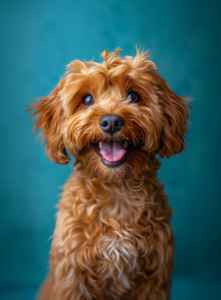
- Pet portraits
- Landscape photography
- Vacation memories
- Home décor
- Personalized gifts
- Canvas prints
The effect works especially well on images with soft lighting, vibrant colors, and clear subjects.
Benefits of Using an Oil Painting Effect
Create Gallery-Worthy Artwork
An oil painting filter adds texture and depth that makes photos feel like museum-quality artwork.
Instead of looking overly edited, the image appears handcrafted.
Preserve Special Memories
Important milestones deserve more than sitting inside a phone gallery.
Turning meaningful photos into oil paintings creates keepsakes you’ll actually want to display.
Perfect for Home Decoration
Many people print oil painting-style photos on canvas.
A painted family portrait or scenic landscape instantly adds personality to living rooms, bedrooms, and offices.
Stand Out on Social Media
Painterly images naturally grab attention because they look different from everyday photographs.
Whether you’re an artist, photographer, or content creator, this style helps your work stand out.
What Types of Photos Work Best?
Almost any photo can be transformed, but some images produce especially beautiful results.
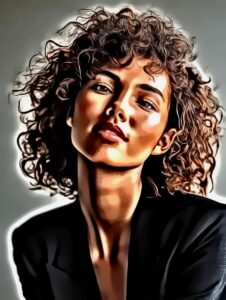
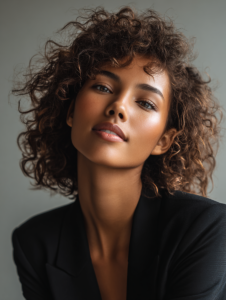
Portraits
Oil painting filters soften skin while preserving facial features, creating a classic painted portrait.
Nature Photography
Mountains, forests, oceans, and sunsets gain rich colors and painterly textures.
Architecture
Historic buildings and city streets often resemble traditional European paintings after applying the effect.
Pets
Pet portraits become charming works of art with visible brushstroke textures.
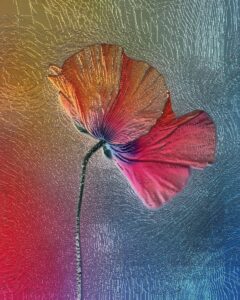
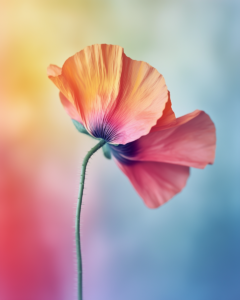
Floral Photography
Flowers naturally complement painterly styles because of their vibrant colors and organic shapes.
How to Transform Your Photos into Oil Paintings
Creating an oil painting effect is easier than ever.
Step 1: Upload Your Photo
Choose a clear, high-resolution image.
The better your original photo, the more realistic the final painting will appear.
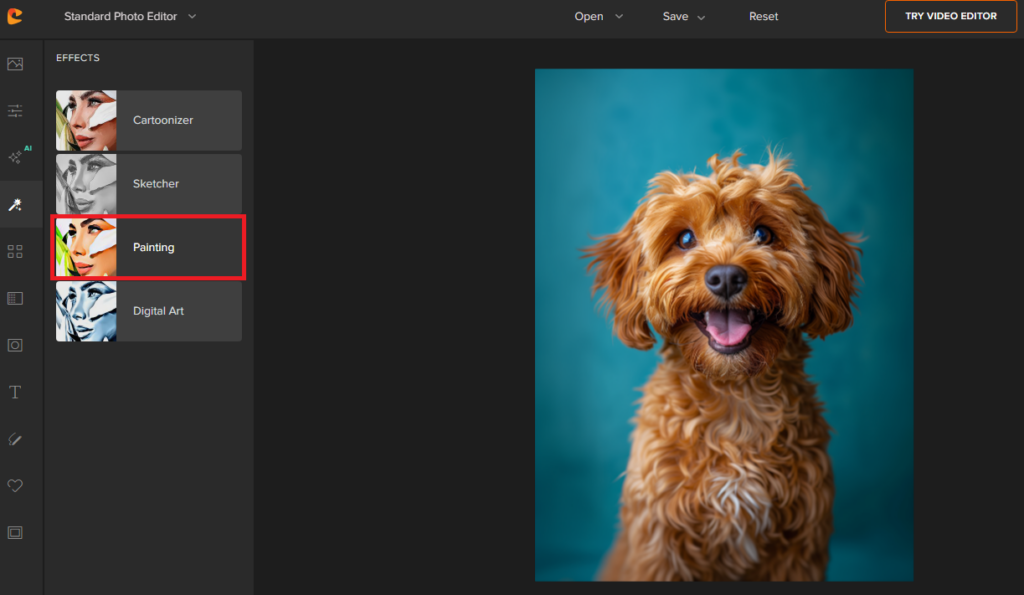
Step 2: Apply an Oil Painting Effect
Select an oil painting filter that adds realistic brushstroke textures while preserving important details.
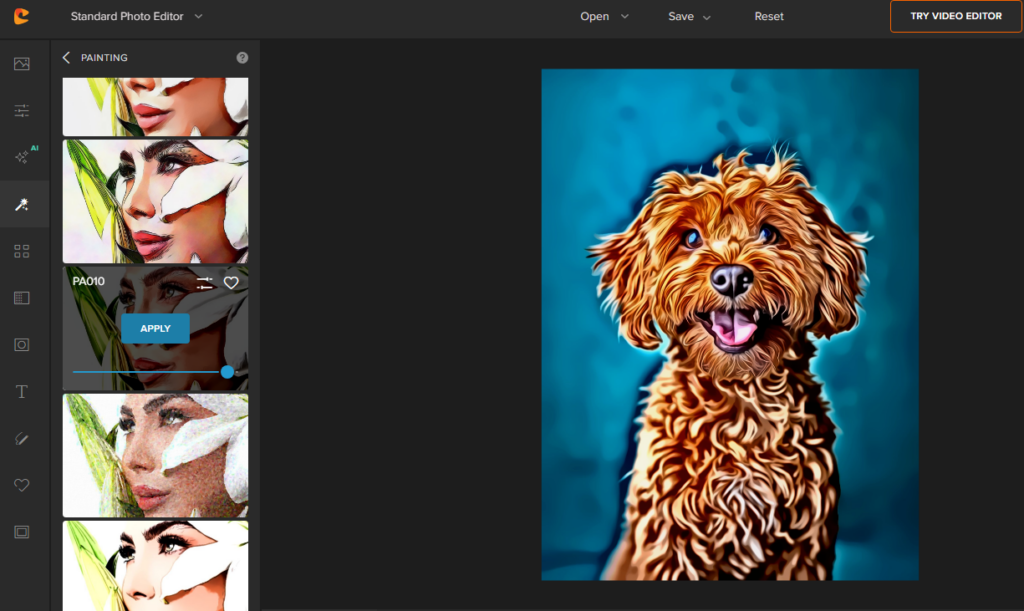
Experiment with different artistic styles until you find one you like.
Step 3: Adjust the Settings
Fine-tune the image by adjusting:
- Brush intensity
- Texture
- Contrast
- Brightness
- Saturation
- Sharpness
Small adjustments often make a big difference.
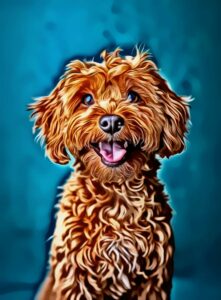
Step 4: Download Your Artwork
Once you’re happy with the result, export your image in high quality for sharing or printing.
Try the Cartoonize Photo to Oil Painting Effect now!
Tips for Creating More Realistic Oil Paintings
Even with powerful editing tools, a few simple techniques can dramatically improve the final result.
Start With a High-Quality Image
Blurry photos produce blurry paintings.
Use images with good lighting and sharp focus whenever possible.
Avoid Heavy Filters Beforehand
If your photo already contains multiple filters, the oil painting effect may look unnatural.
Begin with the original image whenever you can.
Keep Colors Natural
Overly saturated colors can make the painting look artificial.
Subtle color adjustments often create a more authentic painted appearance.
Experiment With Brush Textures
Different brush styles create different moods.
Some resemble Renaissance paintings, while others imitate modern impressionist artwork.
Creative Ways to Use Oil Painting Effects
Need inspiration?
Here are a few ideas.
Personalized Gifts
Create painted family portraits for birthdays, anniversaries, Mother’s Day, or Father’s Day.
Wall Art
Turn your favorite travel photos into elegant canvas prints.
Social Media Graphics
Make profile pictures, banners, and posts more artistic.
Greeting Cards
Design custom holiday cards featuring painted family photos.
Business Branding
Restaurants, cafés, and boutiques often use artistic images for menus and promotional materials.
Common Mistakes to Avoid
Even simple edits can go wrong if you’re not careful.
Applying Too Much Texture
Too many brushstrokes can hide important facial details.
Aim for balance.
Using Low-Resolution Images
Tiny images often become pixelated after editing.
Choose larger files whenever possible.
Ignoring Composition
The filter enhances your image—but it can’t fix poor composition.
Cropping before editing often improves the final result.
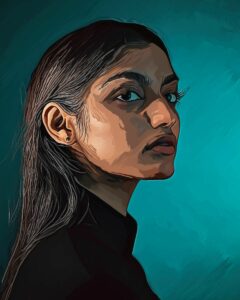
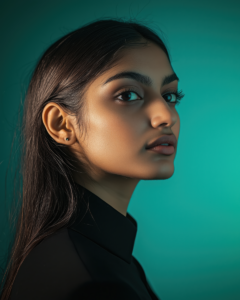
See oil painting effects in action
Why Use Cartoonize to Create Oil Painting Effects?
If you’re looking for an easy way to transform photos into paintings, Cartoonize offers an intuitive solution.
Instead of downloading complicated software, you can edit directly in your browser.
With just a few clicks, you can:
- Apply realistic oil painting effects
- Adjust brush textures
- Fine-tune colors
- Add artistic filters
- Enhance portraits
- Download high-quality images
Whether you’re editing one photo or experimenting with multiple artistic styles, the workflow is beginner-friendly while offering enough flexibility for experienced creators.
Frequently Asked Questions
Can I transform any photo into an oil painting?
Yes. Portraits, landscapes, pets, architecture, and nature photography all work well with oil painting effects.
Do I need painting experience?
Not at all.
Modern photo editors automatically generate realistic painterly effects, so no artistic skills are required.
Can I print my oil painting photo?
Absolutely.
High-resolution exports work well for canvas prints, posters, greeting cards, and framed artwork.
Does the oil painting effect work on old photos?
Yes.
Many people restore vintage family photographs before applying an oil painting effect to create beautiful keepsakes.
Final Thoughts
Learning how to transform your photos into oil paintings has never been easier. With today’s editing tools, you can give portraits, landscapes, pet photos, and travel memories the rich texture and timeless charm of a traditional painting in just a few minutes.
Whether you’re creating custom gifts, decorating your home, or simply experimenting with a new artistic style, an oil painting effect is a simple way to make your favorite images feel more personal and memorable.
If you’re ready to give your photos a handcrafted look, try Cartoonize’s Oil Painting effect and see how quickly an ordinary snapshot can become artwork worth sharing—or even hanging on your wall.
