


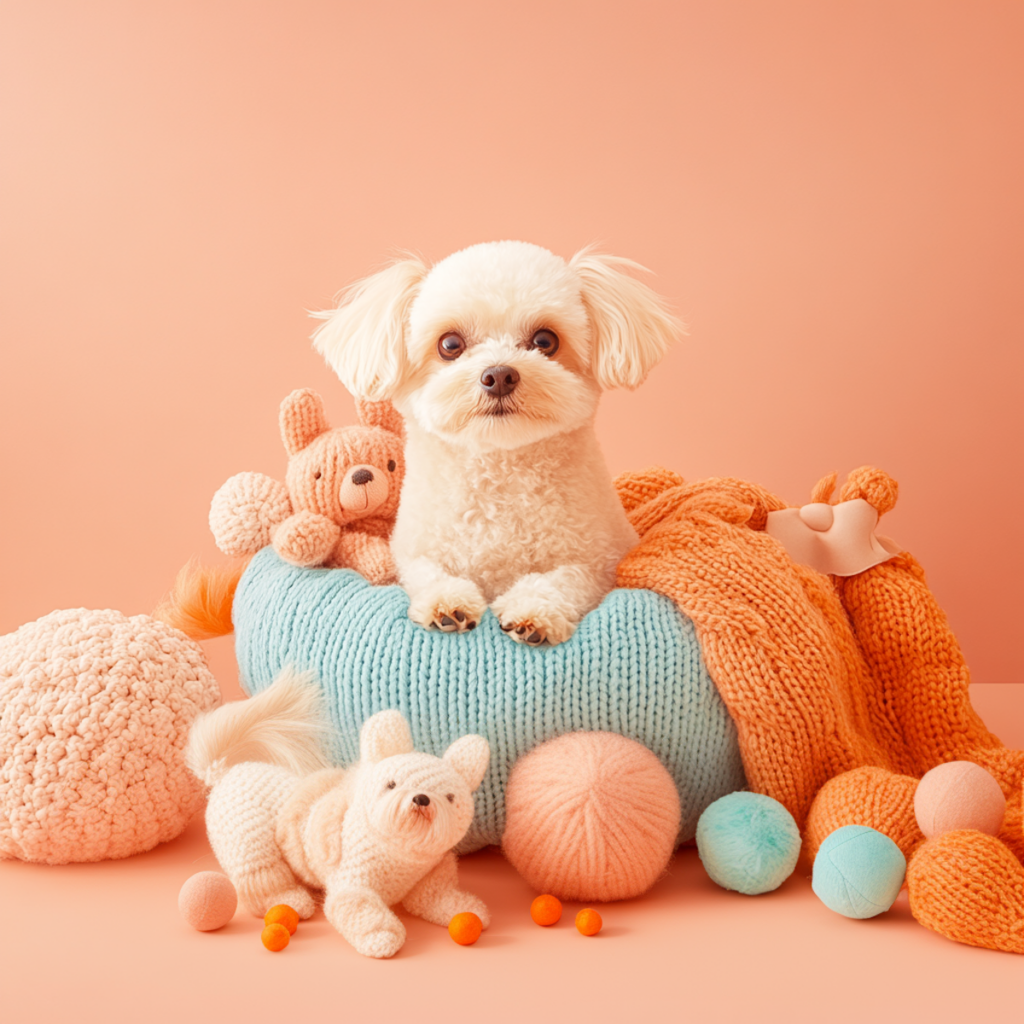
Every pet has a personality that’s impossible to replicate. Some dogs greet everyone with endless enthusiasm, while others are happiest curled up beside their favorite person. Cats can be elegant one moment and hilariously mischievous the next. Whether you live with a playful puppy, a curious rabbit, or a chatty parrot, you’ve probably reached for your camera countless times, hoping to capture the moments that make them so special.
The challenge is that pets rarely cooperate like human subjects. The moment you frame the perfect shot, your dog runs toward you, your cat looks away, or your bird decides to fly across the room. That’s exactly what makes pet photography so rewarding. Instead of directing every pose, you’re learning to anticipate behavior, work with natural light, and capture genuine expressions that reveal your pet’s personality.
The good news is that you don’t need a professional studio or expensive camera to take beautiful pet photos. Whether you’re using a DSLR, mirrorless camera, or smartphone, understanding a few essential techniques can dramatically improve your results. In this guide, you’ll learn how to photograph pets with confidence, choose the right camera settings, and edit your images to create portraits you’ll treasure for years.
Why Pet Photography Is Different
Pet photography is about much more than getting a sharp image. It’s about preserving the little moments that make your companion unique—the curious head tilt, the excited wagging tail, or the sleepy expression after a long afternoon of play.
Unlike people, animals don’t understand posing instructions, which means flexibility is one of the most valuable skills you can develop. Rather than trying to control every movement, experienced photographers observe their pet’s behavior and wait for authentic moments to unfold naturally. Often, the images that tell the best stories aren’t carefully staged at all—they’re captured in the few seconds between playtime, naps, or everyday routines.
Patience is equally important. Instead of taking hundreds of random photos, spend a little time watching your pet before you begin. Once you understand what grabs their attention or when they’re most relaxed, you’ll be better prepared to capture meaningful expressions instead of fleeting snapshots.
Prepare Your Pet Before the Session
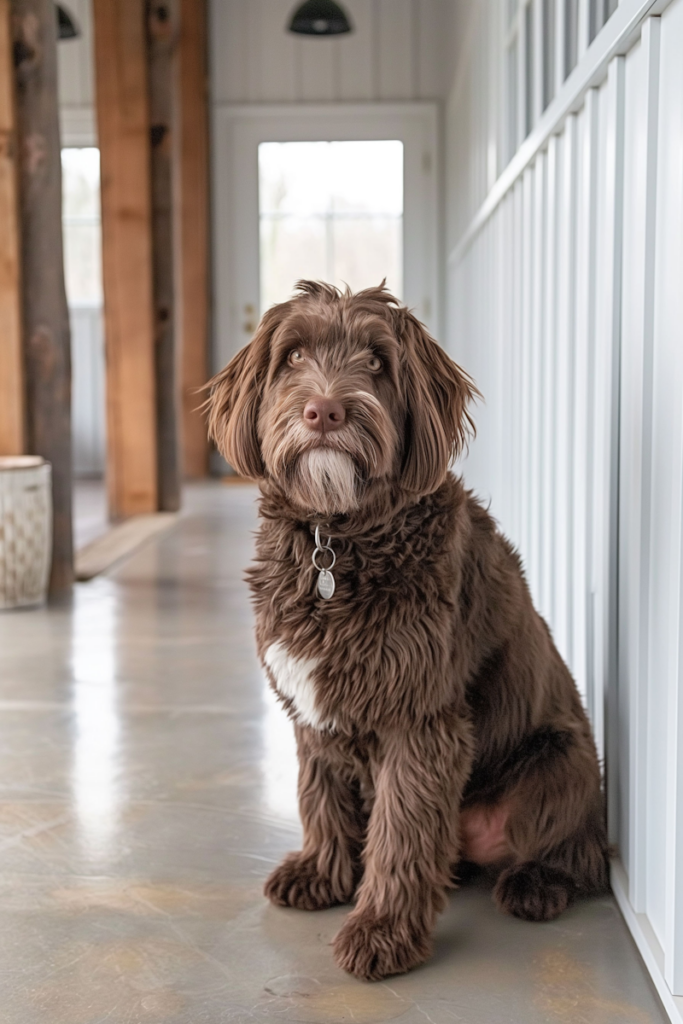
A successful pet photography session starts before you even pick up your camera. If you’re photographing an energetic dog, a short walk or game of fetch can help release excess energy while keeping them alert and engaged. Cats and smaller pets, on the other hand, usually feel most comfortable in familiar surroundings, so photographing them at home often leads to more natural behavior.
Keep a few treats or favorite toys nearby to gently guide your pet’s attention toward the camera. A squeaky toy held just above the lens can produce an adorable head tilt, while treats help reward cooperation without forcing unnatural poses.
It’s also worth keeping sessions short. Most pets lose interest after 15 or 20 minutes, and tired or distracted animals rarely make enthusiastic subjects. Taking breaks allows your pet to relax, and sometimes the best photos happen after they’ve forgotten the camera is there.
The Best Camera Settings for Pet Photography
While creativity matters most, choosing the right camera settings makes it much easier to capture sharp, expressive images. Shutter speed should be your first priority, especially if your pet loves to move. Around 1/125 second works well for calm or sleeping animals, while active dogs and playful cats often require 1/1000 second or faster to freeze motion.
A wide aperture between f/2.8 and f/4 creates a beautifully blurred background that helps your pet stand out, while a slightly narrower aperture is useful when photographing multiple pets together. Indoors, it’s usually better to raise your ISO than reduce your shutter speed, since a little image noise is far less noticeable than motion blur.
Finally, switch your camera to Continuous Autofocus (AF-C or AI Servo) so it can track moving subjects, and use burst mode whenever possible. Pets change expressions in an instant, and capturing several frames in quick succession greatly increases your chances of getting that perfect shot. After all, great pet photography isn’t just about having the right settings—it’s about being ready when your pet’s personality shines through.
Make the Most of Natural Light
If there’s one factor that has the biggest impact on your pet photos, it’s lighting. Even the best camera can’t compensate for poor light, while good lighting can make an ordinary snapshot look polished and professional.
Whenever possible, use natural light. A large window creates soft, even illumination that’s flattering for all types of pets, from fluffy cats to short-haired dogs. Position your pet so the light falls gently across their face rather than directly behind them. This helps reveal the texture of their fur while creating bright, lively catchlights in their eyes.
Outdoor sessions are equally rewarding, especially during the golden hour—the hour after sunrise or before sunset. At this time of day, sunlight is warmer and softer, producing flattering colors without the harsh shadows that midday sun often creates. If you have no choice but to shoot in the middle of the day, move into open shade beneath a tree or beside a building to avoid strong contrast and squinting.
Flash is generally best avoided. Besides startling some animals, it can create unnatural reflections in the eyes and flatten the texture of their fur. Whenever possible, rely on available light and adjust your camera settings instead.
Improve Your Composition
Good composition guides the viewer’s eye toward your pet and helps tell a story rather than simply documenting what they look like.
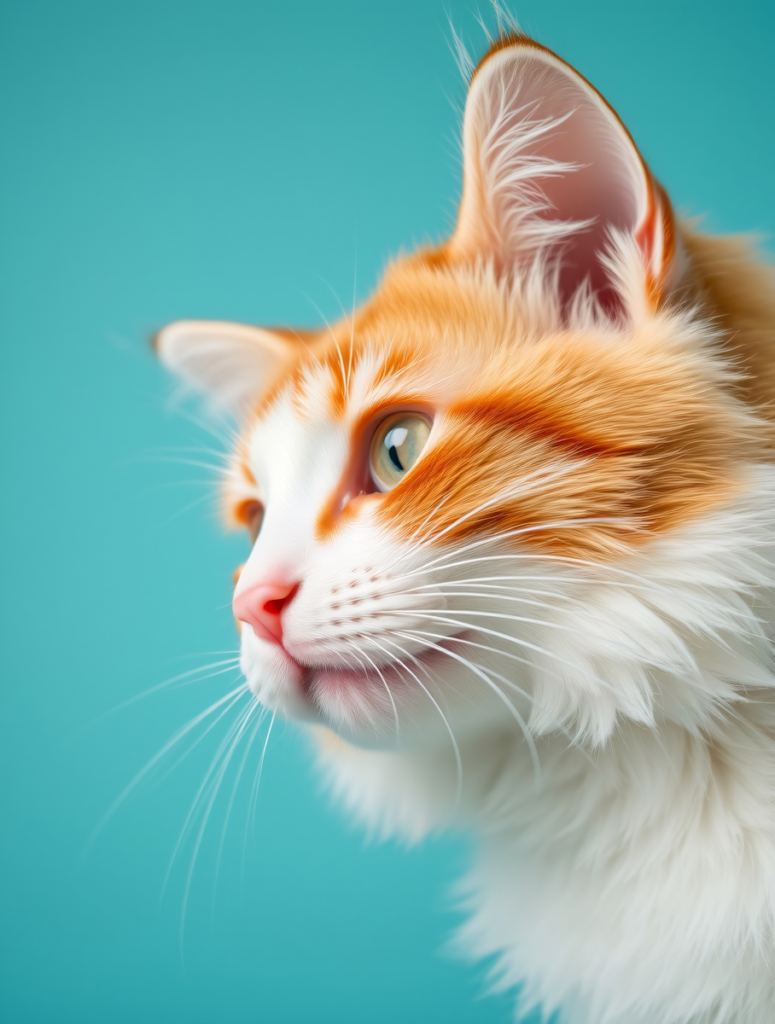
One of the simplest ways to improve your photos is to get down to your pet’s eye level. Photographing from above may be convenient, but it often makes animals appear smaller and less engaging. Shooting from their perspective creates a stronger emotional connection and allows viewers to see the world through your pet’s eyes.
Pay attention to the background as well. A cluttered room, parked cars, or scattered toys can quickly distract from your subject. Before pressing the shutter, take a moment to remove anything that doesn’t add to the image or change your shooting angle to simplify the scene. A clean background helps your pet remain the clear focal point.
Finally, remember that the eyes are the heart of every portrait. Whether you’re photographing a playful puppy or a sleepy senior cat, make sure the eyes are sharp. Viewers naturally connect with animals through their expressions, so crisp focus in this area instantly makes an image feel more compelling.
Taking Better Pet Photos with Your Smartphone
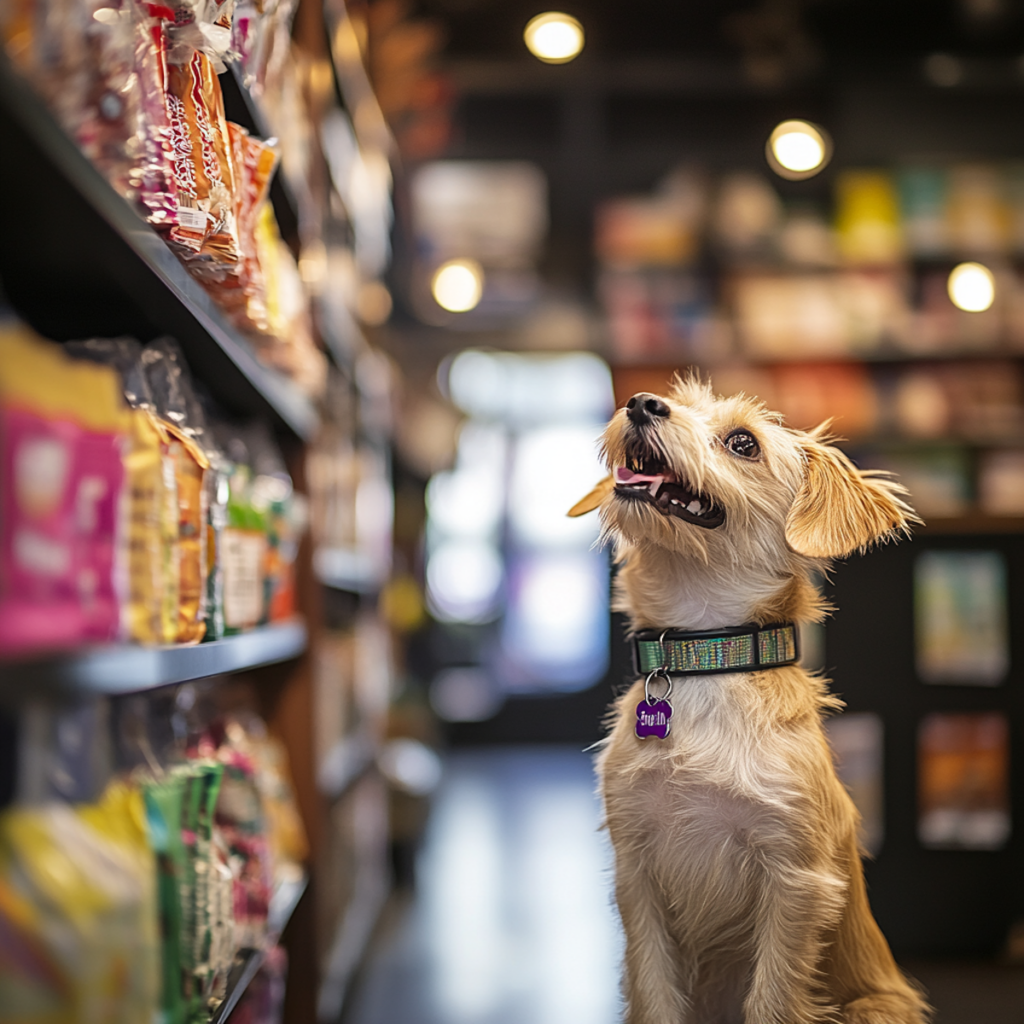
You don’t need professional camera equipment to capture beautiful pet portraits. Today’s smartphones are capable of producing impressive results, especially when paired with thoughtful technique.
Start by cleaning your camera lens—a surprisingly simple step that many people overlook. Smudges and fingerprints can soften your images and reduce contrast without you realizing it.
Instead of relying heavily on digital zoom, move closer whenever it’s safe to do so. Digital zoom often reduces image quality, while physically changing your position preserves sharpness and detail. Tapping your pet’s eyes on the screen before taking the photo also helps your phone focus where it matters most.
Burst mode is another feature worth using. Pets rarely hold the same expression for long, and capturing several frames in quick succession dramatically improves your chances of getting a sharp image with the perfect head tilt or playful look.
Many smartphones also include Portrait Mode, which can create an attractive blurred background. While it works beautifully with calm pets, it may occasionally struggle around fluffy fur or wagging tails. Taking a few extra shots gives you a better chance of finding one with clean subject separation.
Photographing Black and White Pets
Some of the most striking pets are also the most challenging to photograph. Cameras often struggle with very dark or very light fur because automatic exposure systems try to average everything into a midtone.
Black dogs and cats can lose facial detail if the image is underexposed. To prevent this, photograph them in soft natural light and place them against lighter backgrounds that create gentle contrast. Slightly increasing your exposure can also help reveal texture without making the image look washed out.
White pets present the opposite challenge. Bright fur can easily become overexposed, causing fine details to disappear. Shooting during softer morning or evening light and slightly reducing your exposure helps preserve texture in the coat. If your camera offers a histogram, it’s worth checking to ensure highlights aren’t being clipped.
No matter your pet’s color, thoughtful editing can make a significant difference. Carefully adjusting exposure, shadows, and highlights helps recover detail while keeping fur colors natural. The goal isn’t to dramatically alter your pet’s appearance, but to ensure every whisker, feather, or strand of fur looks as vibrant and lifelike as it did in person.
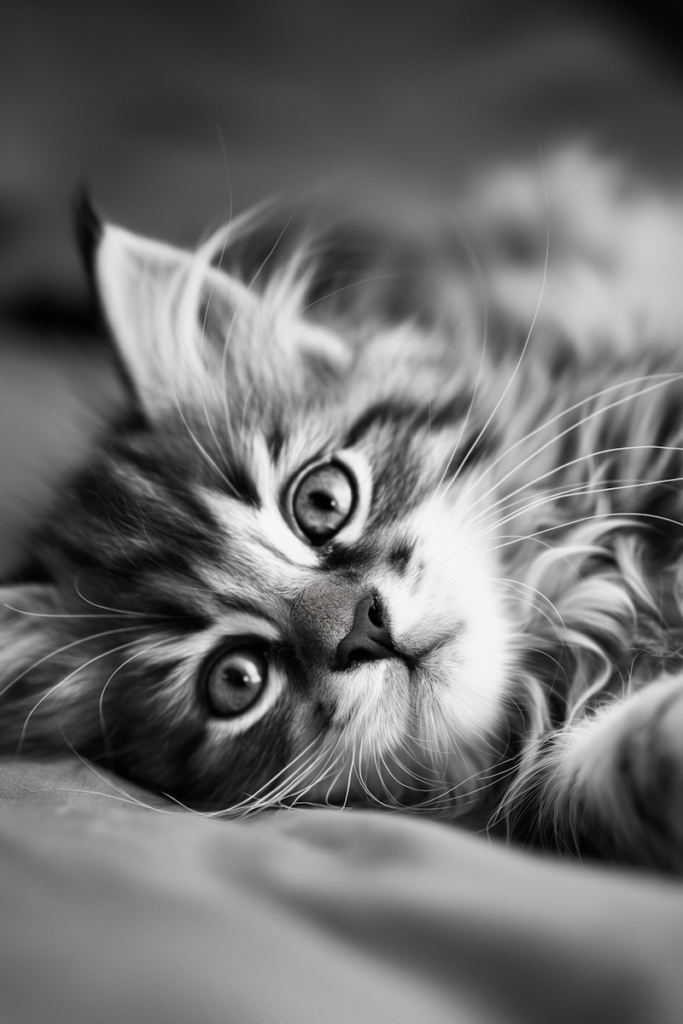
A Simple Editing Workflow for Professional-Looking Pet Photos
Even the best photographs can benefit from a little editing. Think of editing as the finishing touch—it shouldn’t change your pet’s appearance, but rather enhance what was already there. A well-edited image looks natural, balanced, and true to life.
Start by cropping your photo to improve the composition. Remove any distractions near the edges of the frame and straighten the horizon if you’re shooting outdoors. Sometimes, a simple crop is all it takes to transform an ordinary snapshot into a stronger portrait.
Next, adjust the exposure and contrast. If your image looks too dark, gently brighten the shadows while protecting the highlights so you don’t lose detail in light-colored fur. A slight contrast boost can make your subject stand out, but avoid pushing it too far, as it can make fur appear harsh.
Take a moment to correct the white balance as well. Indoor lighting often adds an unwanted yellow or blue tint, making your pet’s fur look unnatural. Neutralizing these color casts helps restore accurate colors and creates a cleaner, more polished image.
Finally, add a subtle amount of sharpness to bring out details around the eyes and fur. Resist the temptation to over-edit. Heavy filters, excessive sharpening, and oversaturated colors can quickly make a photo look artificial. The best edits are often the ones viewers don’t notice.
Add a Creative Touch with Cartoonize
Once you’ve perfected your photo, you can turn it into something even more memorable with Cartoonize. Whether you’re creating a personalized gift, designing social media graphics, or simply having fun with your favorite pet portrait, Cartoonize offers creative tools that are both beginner-friendly and powerful.
The Cartoonizer is perfect for transforming your pet into a playful illustration while preserving their unique features and expressions. It’s a popular choice for profile pictures, custom stickers, birthday invitations, and pet-themed merchandise.
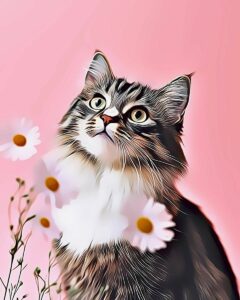
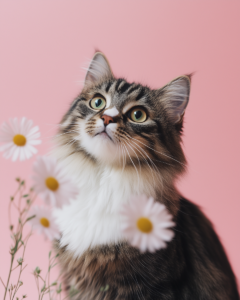
Try the Cartoonize Cartoonizer now!
If you prefer a more timeless look, Photo to Sketch converts your image into an elegant pencil drawing that emphasizes texture and expression. It’s especially well suited for framed prints, keepsakes, or memorial portraits that celebrate a beloved companion.
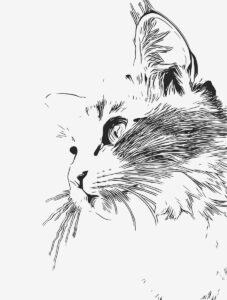
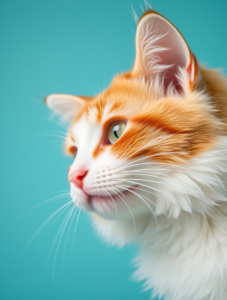
For artwork with a classic feel, Photo to Painting uses AI to recreate your pet portrait in a variety of painterly styles. It’s an easy way to produce wall-worthy artwork without commissioning a custom painting.
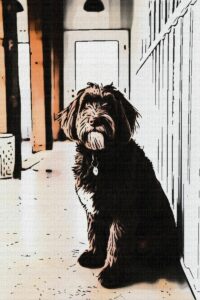
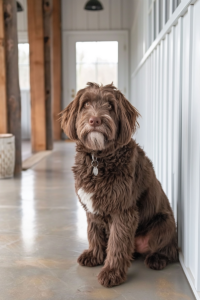
Sometimes, the perfect expression is hidden behind a distracting background. The AI Background Remover lets you isolate your pet in just a few clicks, making it easy to replace cluttered scenes with clean backdrops, seasonal designs, or creative compositions.
To complete your image, Cartoonize also includes intuitive photo editing tools for adjusting brightness, contrast, exposure, color, sharpness, and more. These finishing touches help your pet photos look polished while still preserving the personality that made you capture the moment in the first place.
Frequently Asked Questions
What is the best camera for pet photography?
Any modern DSLR, mirrorless camera, or smartphone can take excellent pet photos. Good lighting, timing, and composition have a much greater impact than expensive equipment.
What shutter speed should I use for moving pets?
For active dogs and playful cats, a shutter speed of at least 1/1000 second is recommended to freeze motion. Slower speeds work well for calm or resting pets.
Should I use flash when photographing pets?
In most situations, no. Natural light creates softer, more flattering results and is less likely to startle your pet or produce unnatural reflections in their eyes.
How can I get my pet to look at the camera?
Use treats, toys, or familiar sounds to capture their attention. Be patient, and shoot in burst mode so you can capture the moment they look toward the lens.
How do I make pet photos look more professional?
Focus on your pet’s eyes, shoot at eye level, keep the background uncluttered, use soft natural light, and finish with subtle editing that enhances rather than overpowers the original image.
Final Thoughts
The most memorable pet photos aren’t always the most technically perfect—they’re the ones that capture personality. A playful leap, a curious head tilt, or a quiet moment of companionship can tell a story that you’ll treasure long after your pet has grown older.
As you practice, you’ll learn that great pet photography is less about expensive gear and more about observation, patience, and timing. The more familiar you become with your pet’s habits and expressions, the easier it will be to anticipate those once-in-a-lifetime moments that deserve to be preserved.
When your favorite photos are ready for a creative finishing touch, Cartoonize makes it easy to enhance, transform, and personalize them. From subtle photo enhancements to artistic effects like Cartoonizer, Photo to Sketch, Photo to Painting, and the AI Background Remover, you have everything you need to turn everyday pet photos into keepsakes you’ll love sharing.
Whether you’re photographing a mischievous kitten, a loyal senior dog, or any beloved companion in between, the best camera is the one you have with you—and the best time to capture those memories is now.
