


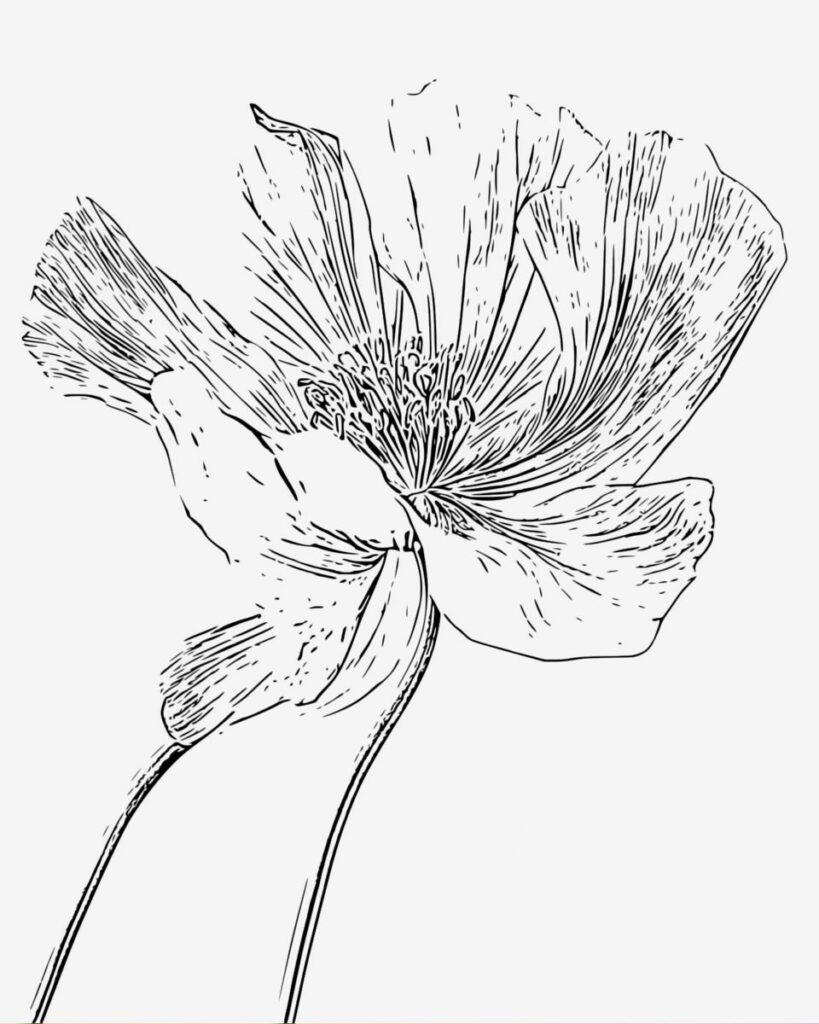
Adult coloring pages have evolved far beyond simple hobby books. Today, they’re used for stress relief, mindfulness, creative expression, journaling, classroom activities, printable businesses, and even home décor projects. Scroll through Etsy or Pinterest and you’ll find thousands of beautifully designed coloring pages featuring everything from cozy cafés and botanical illustrations to fantasy worlds and cottagecore aesthetics.
The best part? You don’t need to be a professional illustrator to make your own.
Thanks to modern editing tools, it’s now possible to turn ordinary photos into printable coloring pages in just a few minutes. Whether you want to create custom coloring sheets for yourself, gifts, social media content, or digital products, the process is much easier than most people expect.
In this guide, you’ll learn exactly how to make your own adult coloring pages step by step using simple techniques and tools like Cartoonize.
Why Adult Coloring Pages Are So Popular
Adult coloring became mainstream for a reason. People are constantly looking for creative activities that feel calming without requiring advanced artistic skill. Coloring offers a low-pressure way to relax while still feeling productive and creative.
Many people use coloring pages as:
- A mindfulness activity
- A screen-free evening routine
- A creative hobby
- A stress-relief tool
- A journaling companion
- A printable gift idea
What makes homemade coloring pages even more special is personalization. Instead of using generic store-bought designs, you can create pages based on your own photos, favorite themes, pets, travel memories, or aesthetic preferences.
That’s where photo-to-sketch tools become incredibly useful.
What Makes a Good Adult Coloring Page?
Not every sketch automatically turns into a satisfying coloring page. Some designs look visually busy or difficult to color once printed.
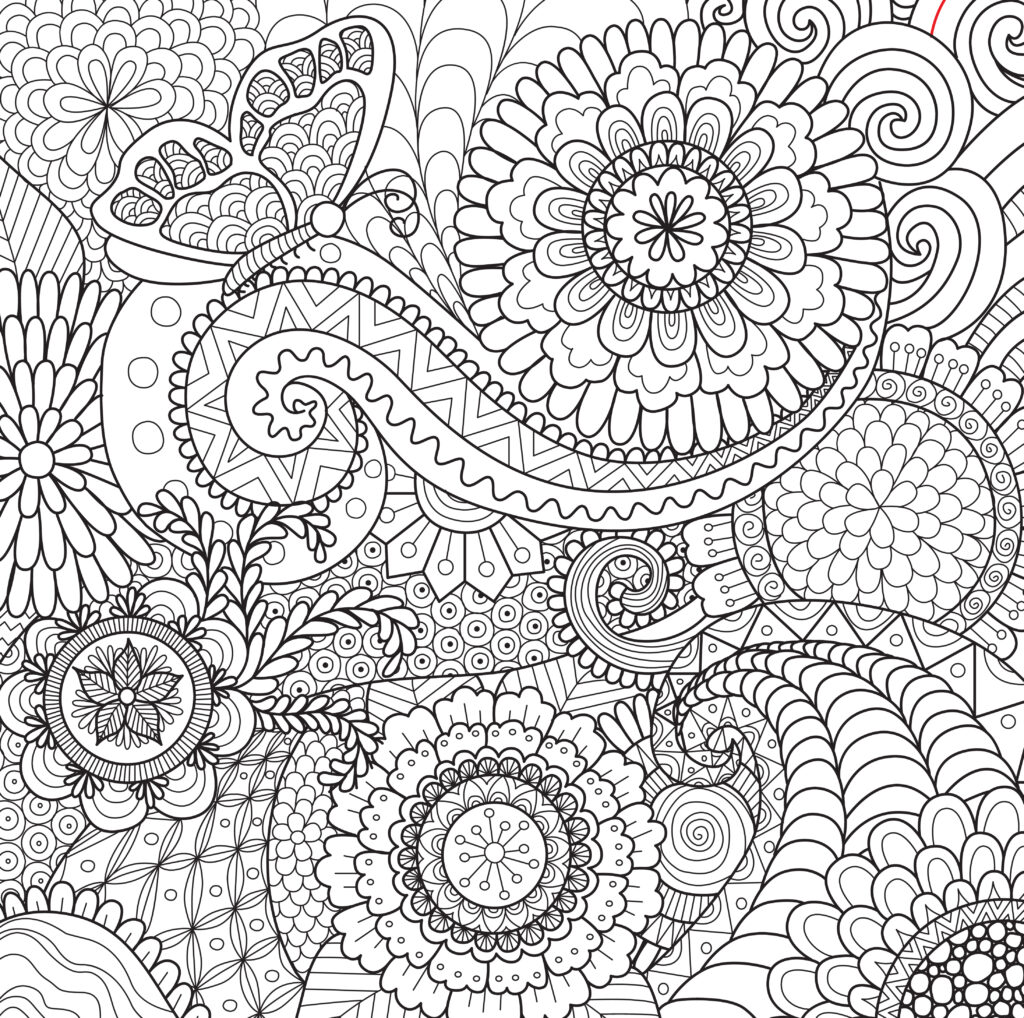
The best adult coloring pages usually include a balance of detail and simplicity.
Clear Outlines
Strong black outlines make sections easier to color and help the design print more cleanly.
Balanced Detail
Adult coloring pages should feel detailed enough to stay interesting without becoming overwhelming. Too many tiny sections can make the experience frustrating.
Open Coloring Areas
Leaving enough white space creates a more relaxing coloring experience.
High-Quality Resolution
Blurry or pixelated images don’t print well. High-resolution exports create crisp coloring sheets with cleaner lines.
A Cohesive Theme
The most popular coloring pages usually follow a recognizable aesthetic or mood, such as:
- Botanical
- Cozy
- Fantasy
- Vintage
- Cottagecore
- Minimalist
- Seasonal
- Whimsical
Choosing a clear theme helps your coloring page feel more intentional and polished.
The Easiest Way to Make Coloring Pages
Traditionally, creating coloring pages required advanced drawing skills or digital illustration software. Today, you can simplify the process by converting photos into line art.
This method works especially well for:
- Flowers
- Landscapes
- Cozy interiors
- Architecture
- Pets
- Portraits
- Nature photography
Using Cartoonize’s Photo to Sketch Tool, you can transform an image into sketch-style artwork that functions as a printable coloring page.
Instead of manually tracing every detail, the software creates the base line art for you. From there, you can customize and refine the design.
Step-by-Step Guide to Making Your Own Adult Coloring Pages
Step 1: Choose the Right Photo
The quality of your coloring page starts with the image you choose.
Look for photos with:
- Good lighting
- Clear edges
- Moderate detail
- Strong contrast
- Minimal clutter
Simple compositions usually work better than chaotic scenes.
For example:
- A floral close-up works better than a crowded garden.
- A cozy reading nook works better than a dark room photo.
- A pet portrait with contrast works better than a blurry action shot.
If needed, brighten your image slightly before converting it into line art.
Step 2: Upload Your Image to Cartoonize
Go to Cartoonize and upload your selected photo.
One reason many beginners prefer Cartoonize is its simplicity. You can create sketch-style artwork directly in your browser without learning complicated design software.
Once uploaded, head to the sketch effects section.
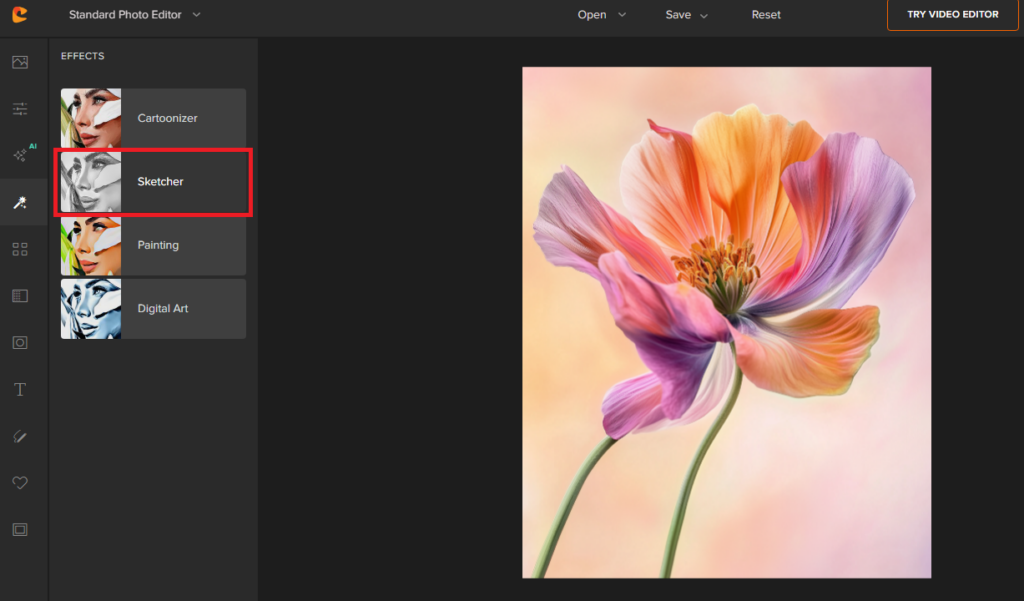
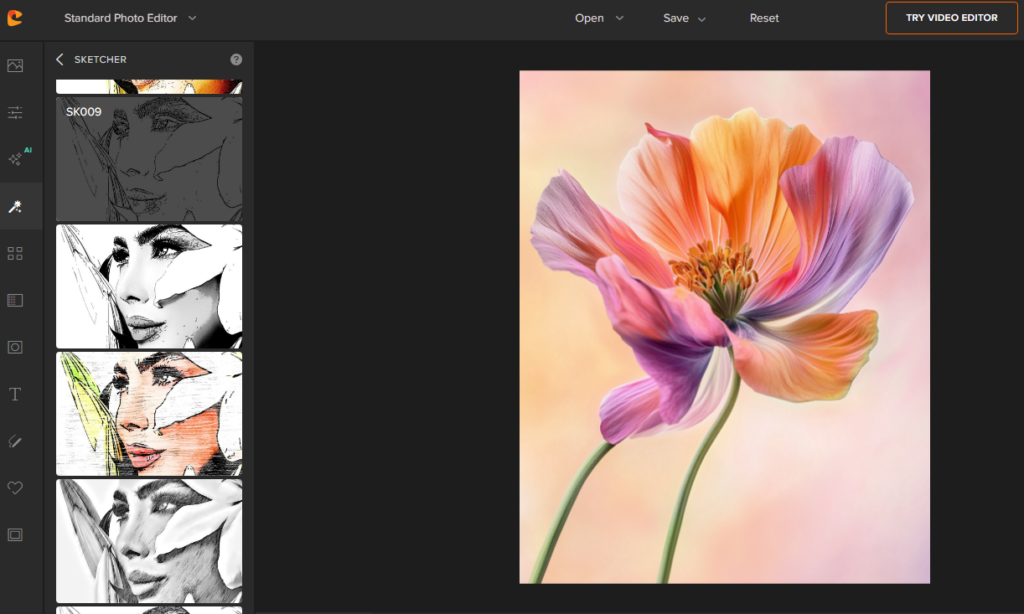
Step 3: Convert the Photo Into a Sketch
This is where your image starts turning into a coloring page.
Apply a sketch effect that emphasizes clean outlines while minimizing excessive shadows and textures.
The goal is to create:
- Clear black lines
- Light backgrounds
- Distinct coloring sections
- Minimal visual clutter
Different images respond better to different sketch styles, so experiment with several options before choosing one.
Some images look best with:
- Pencil-style outlines
- Bold comic-style lines
- Minimal contour effects
- Soft hand-drawn sketch styles
If your sketch looks too dark or busy, reduce detail intensity or increase brightness.
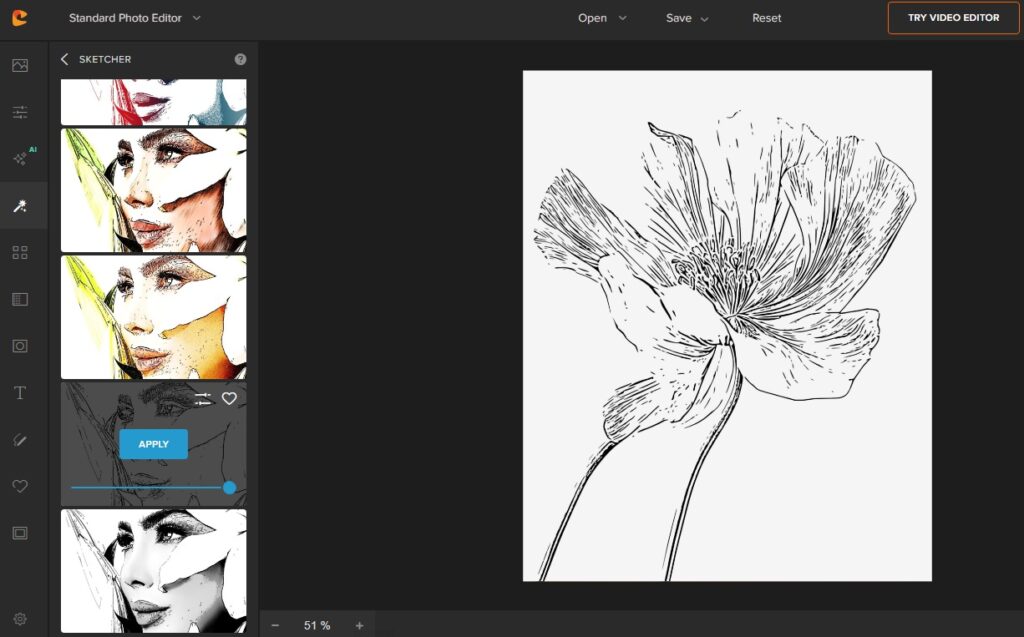
Step 4: Clean Up the Design
This step is what separates professional-looking coloring pages from messy auto-generated sketches.
After applying the sketch effect:
- Remove distracting elements
- Simplify crowded areas
- Erase unnecessary textures
- Increase contrast if needed
- Sharpen important outlines
Adult coloring pages should feel relaxing, not visually exhausting.
One common mistake is leaving too many photographic textures in the design. Simplifying the artwork usually improves the final coloring experience.
Step 5: Add Creative Details
Once your base sketch looks clean, you can personalize the design further.
Consider adding:
- Decorative borders
- Quotes
- Floral frames
- Mandala elements
- Typography
- Seasonal decorations
- Doodles or patterns
For example:
- Add stars and moons to fantasy artwork
- Add leaves to autumn-themed pages
- Add vines around portrait illustrations
- Add cozy decorative elements to café scenes
These small additions help your coloring page feel more original and unique.
Step 6: Export in High Resolution
Before downloading your final design, make sure the export quality is high enough for printing.
For best results:
- Export as PNG or PDF
- Use high resolution
- Choose printable dimensions like Letter or A4 size
A high-quality export prevents blurry lines and creates a much cleaner finished page.
Best Types of Images for Adult Coloring Pages
Some photos naturally convert into coloring pages better than others.
Floral Photography
Flowers create beautiful organic shapes and elegant linework.
Cozy Interior Scenes
Bookshelves, candles, cafés, and reading corners are extremely popular themes in adult coloring communities.
Pets and Animals
Custom pet coloring pages are especially popular for gifts and printable products.
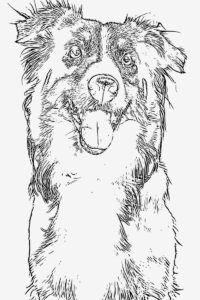
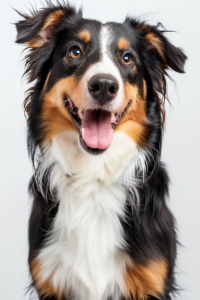
Turn your pets into coloring pages now!
Nature Photography
Forests, mountains, lakes, and gardens create relaxing, immersive coloring experiences.
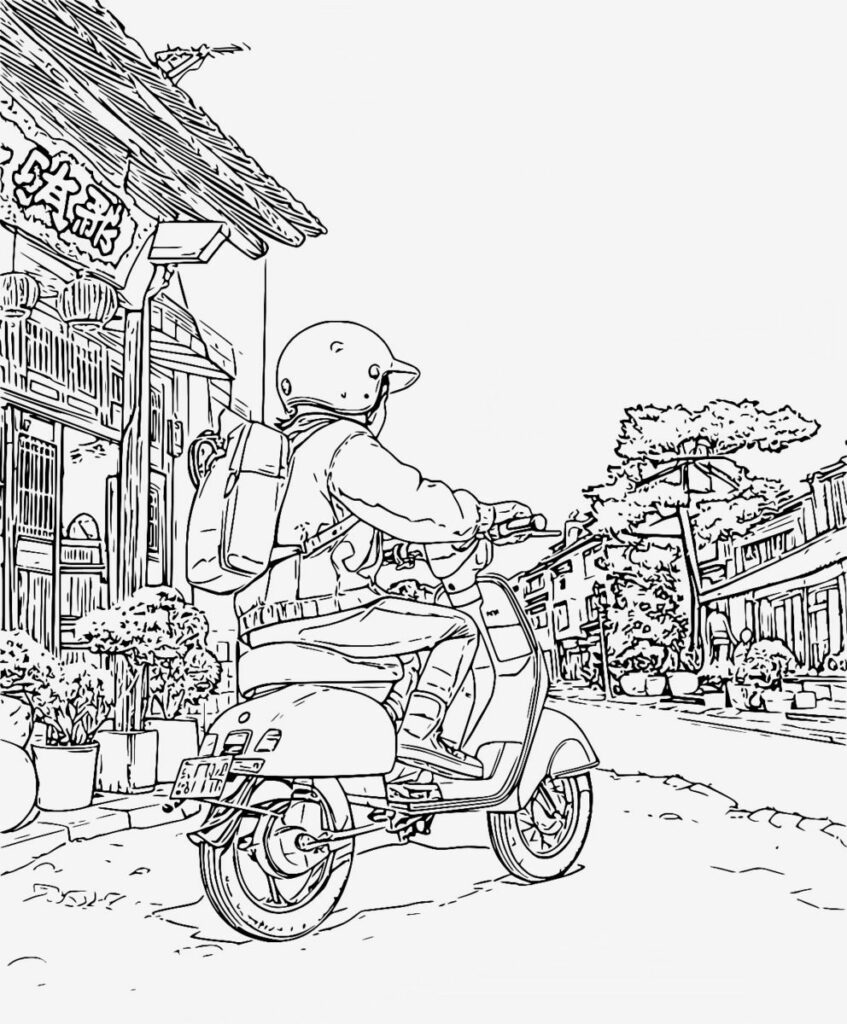
Architecture
Windows, cottages, greenhouses, and vintage buildings often convert beautifully into line art.
Tips for Making Coloring Pages Look More Professional
Use Thick Main Outlines
Thin lines can disappear during printing. A mix of thicker outer lines and thinner interior details creates better visual balance.
Avoid Excessive Shadows
Heavy grayscale shading can make coloring pages feel muddy and cluttered.
Leave Enough White Space
Not every section needs intricate detail. White space helps create a calmer design.
Test Print Your Design
Always print a sample before publishing or selling your coloring pages. Some details that look good digitally may feel overwhelming on paper.
Think About the Coloring Experience
The goal isn’t just to create pretty artwork. The design should also feel enjoyable and relaxing to color.
Can You Sell Your Coloring Pages?
Yes — many creators sell printable coloring pages online through:
- Etsy
- Gumroad
- Creative Market
- Personal websites
However, it’s important to use original photos or artwork that you have permission to modify commercially.
Creating coloring pages from your own photography using tools like Cartoonize gives you more originality and creative control compared to using generic stock images.
Common Mistakes to Avoid
Using Low-Resolution Images
Poor-quality images create messy outlines and blurry prints.
Overcomplicating the Design
Too many tiny sections can make coloring stressful instead of relaxing.
Ignoring Print Margins
Keep important details away from the edges of the page.
Leaving Gray Backgrounds
Most coloring pages work best with white backgrounds and dark outlines.
Forgetting the Audience
Adult coloring pages should feel calming and immersive. Always think about how the final design will feel to color.
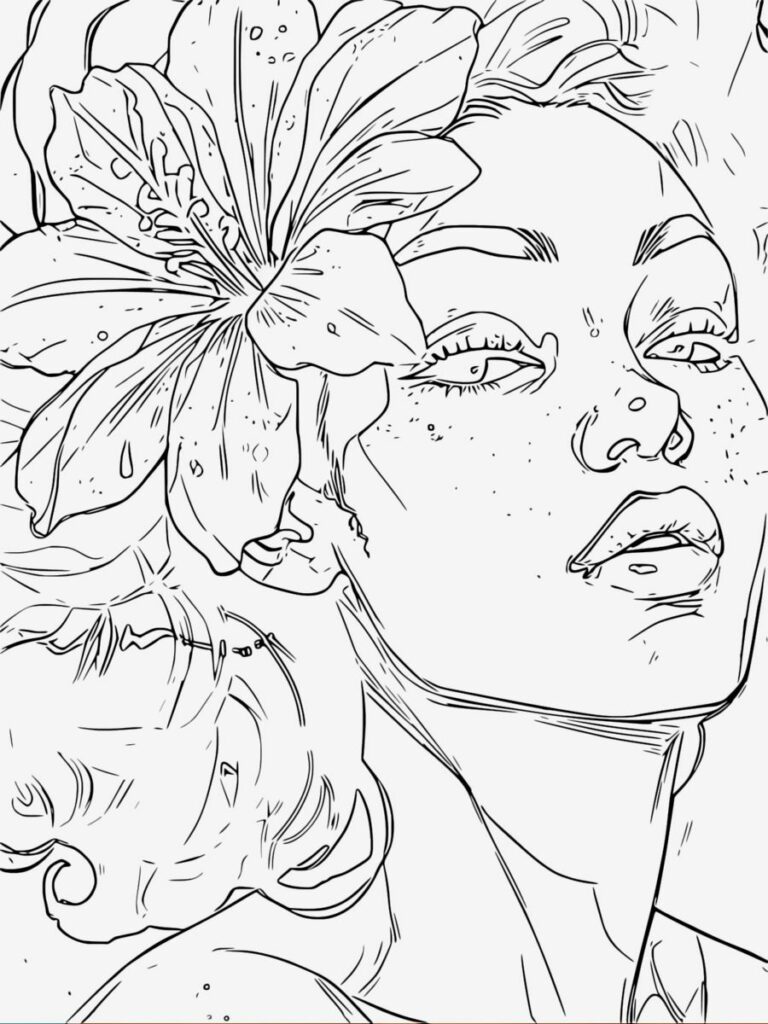
Why Photo-to-Sketch Tools Are Changing Coloring Page Design
Years ago, creating coloring pages required:
- Illustration skills
- Drawing tablets
- Complex design software
- Hours of manual tracing
Now, AI-powered tools dramatically simplify the process.
With Cartoonize’s Photo to Sketch Tool, creators can quickly:
- Convert photos into line art
- Experiment with different sketch styles
- Simplify designs
- Create printable artwork faster
- Customize aesthetic themes
This makes coloring page creation accessible to hobbyists, bloggers, Etsy sellers, teachers, and content creators — even without formal art training.
Final Thoughts
Making your own adult coloring pages is easier than ever thanks to modern photo editing tools and sketch effects.
What starts as an ordinary photo can quickly become:
- A relaxing printable
- A personalized gift
- A digital product
- A creative hobby
- A unique art project
The key is choosing strong source images, simplifying the design thoughtfully, and creating artwork that feels enjoyable to color.
If you want a beginner-friendly way to get started, try using Cartoonize’s Photo to Sketch Tool to transform your favorite photos into printable adult coloring pages in just a few clicks.
