


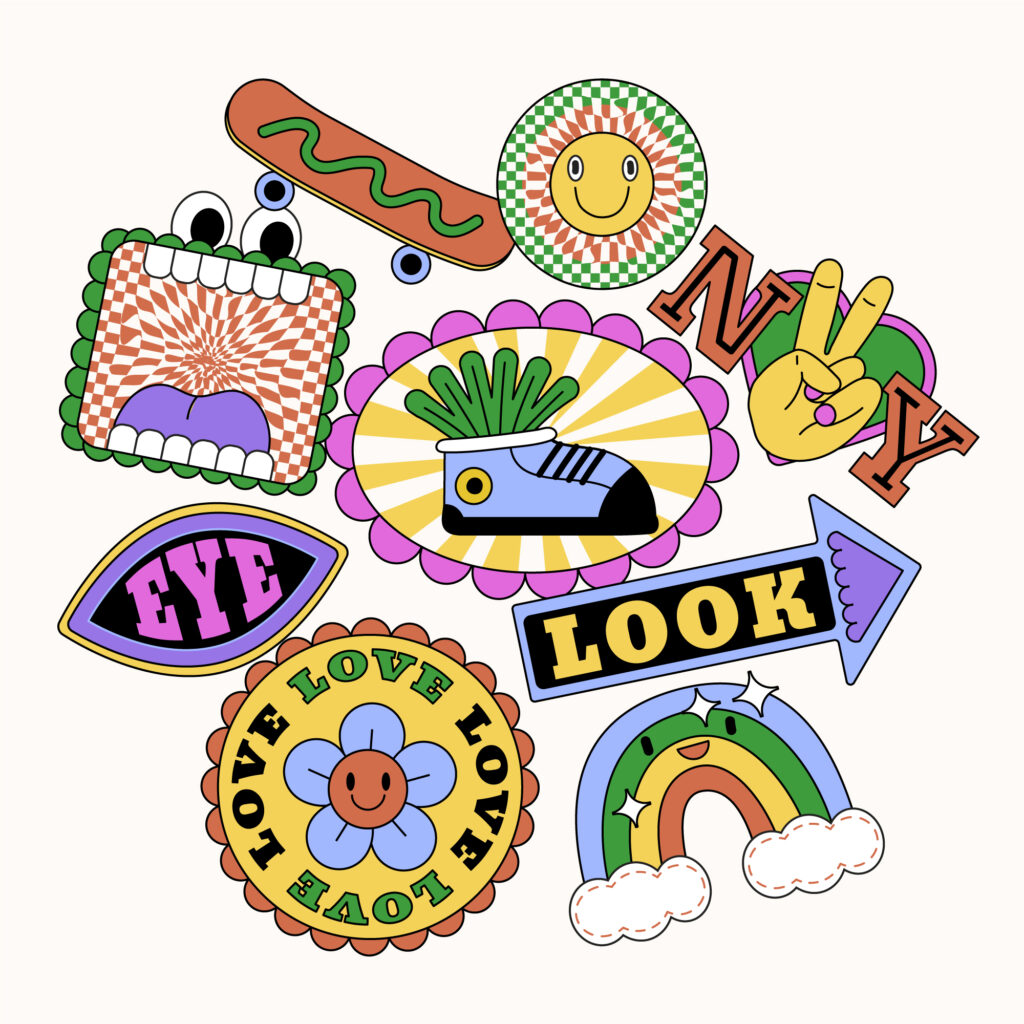
Sticker art looks simple on the surface. A small design, printed on adhesive paper, stuck onto a surface. But behind that simplicity is a powerful mix of creativity, identity, and communication.
Today, sticker art is everywhere—from laptops and water bottles to Instagram stories and messaging apps. It’s no longer just a niche form of expression. It’s a design category, a branding tool, and for many creators, a real source of income.
If you want to truly understand sticker art—and create designs that stand out—you need more than a basic overview. This guide goes deeper, covering not just how to create stickers, but how to use them strategically, design them effectively, and even turn them into a scalable creative asset.
What Is Sticker Art?
Sticker art is a form of visual design where illustrations, graphics, or text are created specifically to be printed or used as adhesive visuals. These designs are typically bold, compact, and optimized for quick visual impact.
Unlike traditional artwork, sticker art is:
- Designed for small formats
- Made to be replicated and distributed
- Built for immediate recognition
- Often created with function in mind (branding, messaging, decoration)
Sticker art exists in two main forms:
- Physical stickers – applied to real-world surfaces like notebooks, packaging, or public spaces
- Digital stickers – used in messaging apps, social media, and content creation
What makes sticker art unique is its ability to move across both worlds seamlessly. A single design can live on a product package, then reappear as a digital sticker in a chat app.
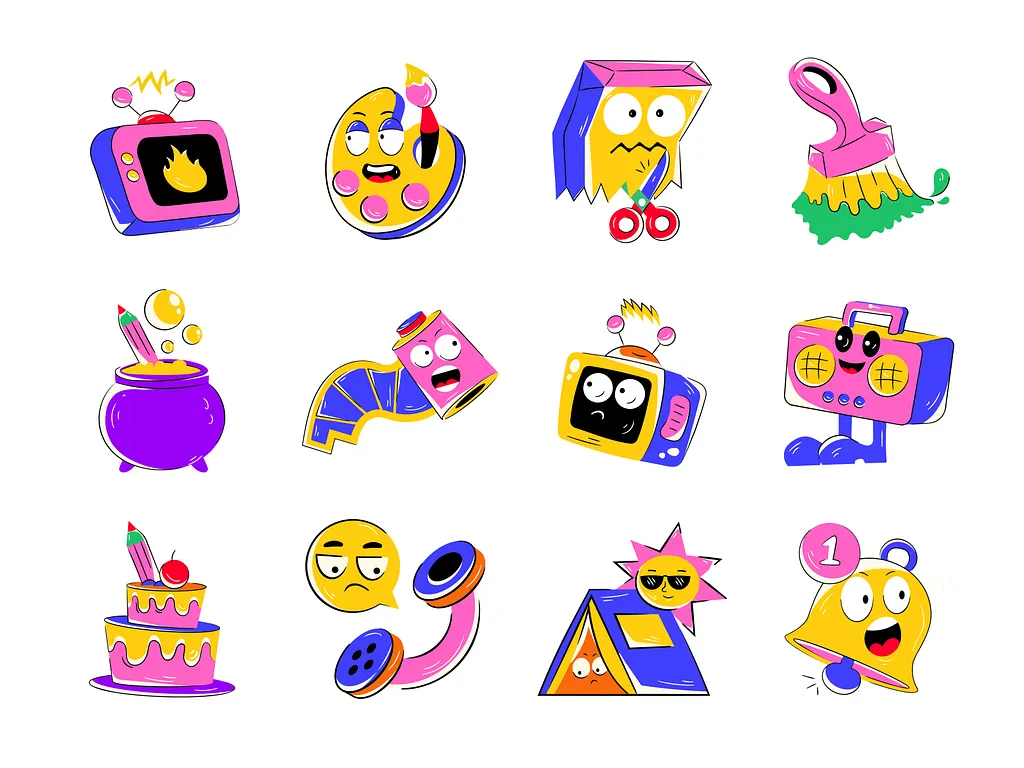
Why Sticker Art Matters More Than Ever
Sticker art has grown because it fits perfectly with how people communicate today—fast, visual, and expressive.
Here’s why it continues to gain traction:
1. It Communicates Instantly
A well-designed sticker delivers a message in seconds. No explanation needed.
2. It’s Accessible to Create
You don’t need expensive tools or years of training to start. With modern editing platforms, even beginners can produce polished results.
3. It Scales Easily
One design can be printed hundreds of times or distributed digitally to thousands of users.
4. It Builds Identity
Whether you’re a creator or a brand, stickers help establish a recognizable visual voice.
5. It Blends Creativity and Utility
Sticker art isn’t just decorative—it serves a purpose, from labeling to marketing to storytelling.
Types of Sticker Art You Should Know
Understanding the different styles of sticker art helps you position your work and develop a distinct creative direction.
Hand-Drawn Stickers
These have a raw, organic feel. Imperfections often add charm and personality.
Digital Illustration Stickers
Clean, polished, and scalable. These are ideal for professional use and branding.
Typography Stickers
Focused on text—quotes, humor, slogans, or affirmations.
Character Stickers
These feature expressive characters or avatars. Highly popular for digital use and social sharing.
Minimalist Stickers
Simple shapes, limited color palettes, and clean composition. Often used in modern branding.
AI-Generated Stickers
Created or enhanced using AI tools. These allow for faster production and unique variations, especially when working with photos.
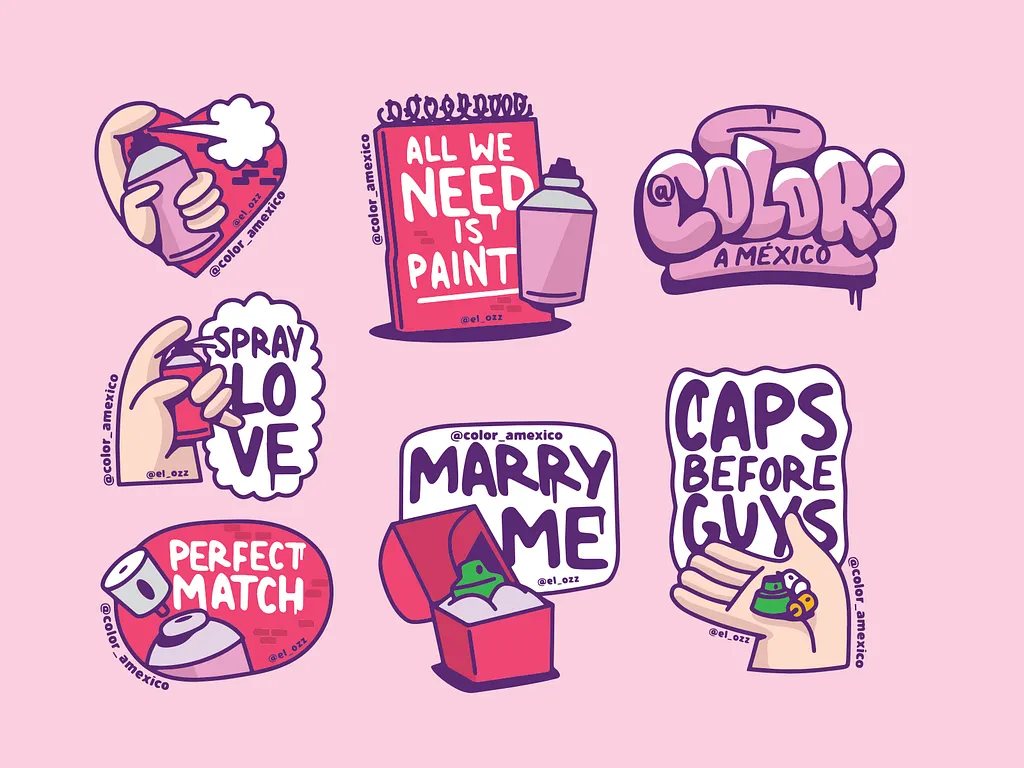
How to Create Sticker Art
Creating sticker art doesn’t have to be complicated. Here’s a streamlined process you can follow.
Step 1: Start With a Clear Idea
Before designing, define the purpose of your sticker:
- Is it decorative or functional?
- Is it for personal use, branding, or selling?
- What emotion or message should it convey?
Clarity at this stage makes the rest of the process smoother.
Step 2: Sketch or Source Your Visual
You can start in different ways:
- Draw your design by hand
- Create it digitally from scratch
- Use a photo as your base
If you’re using a photo, think about how it can be simplified into a sticker-friendly format.
Step 3: Convert and Refine Digitally
This is where your design becomes a proper sticker.
You’ll want to:
- Clean up edges
- Adjust colors and contrast
- Simplify details
- Add outlines
If you want a faster workflow, this is where AI can make a huge difference.
Turn Photos Into Stickers With AI
One of the easiest ways to create sticker art today is by transforming photos into stylized designs.
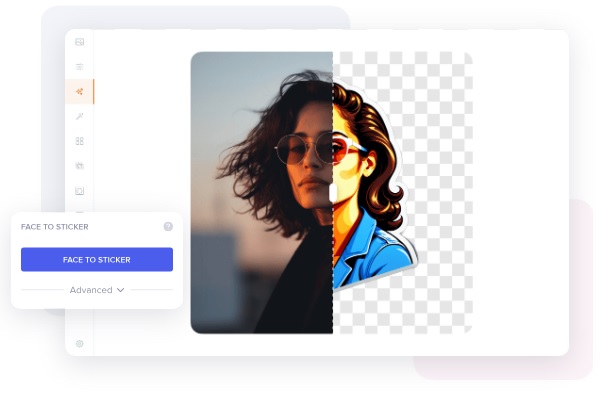
With the Cartoonize Face-to-Sticker AI tool, you can:
- Upload a portrait or image
- Instantly convert it into a sticker-style graphic
- Customize colors, effects, and outlines
- Export it for print or digital use
This approach is especially useful for:
- Personalized stickers
- Avatar packs
- Social media content
- Branding visuals
Instead of spending hours drawing from scratch, you can generate a solid base in seconds and refine it to match your style.

Try the Cartoonize Face to Sticker AI
Design Principles That Make Sticker Art Stand Out
Good sticker art isn’t just about creativity—it’s about clarity and function. These principles separate average designs from memorable ones.
Keep It Simple
Stickers are small. If your design is too detailed, it loses impact. Focus on strong, clear elements.
Use Bold Outlines
Outlines help define the shape and make your design readable from a distance. They’re also essential for printing and cutting.
Maximize Contrast
High contrast ensures your design stands out on any background.
Focus on Shape
A strong silhouette makes your sticker recognizable even at a glance.
Design With Cutting in Mind
Most stickers are cut around the design. Make sure your composition works as a standalone shape.
Use Cases of Sticker Art (Where It Really Shines)
Sticker art isn’t limited to decoration. It has real, practical applications across industries and platforms. This is where its value truly expands.
1. Personal Expression
This is the most common use case.
People use stickers to:
- Customize laptops, phones, and journals
- Express identity, humor, or beliefs
- Create themed collections
Because stickers are removable and low-cost, they allow for constant reinvention.
2. Branding and Marketing
Sticker art is a powerful branding tool, especially for small businesses.
Brands use stickers to:
- Add personality to packaging
- Increase brand recall
- Encourage user-generated content
- Turn customers into promoters
A well-designed sticker can act as a mini billboard—especially when customers place it on visible surfaces.
3. Social Media Content
Sticker-style visuals are highly effective online.
Creators use them for:
- Instagram stories
- Reels and TikTok overlays
- Thumbnails and graphics
- Digital scrapbooking
Because stickers are visually engaging and easy to consume, they perform well in fast-scrolling environments.
4. Messaging and Digital Communication
Digital stickers have become a language of their own.
They’re widely used in:
- Chat apps
- Community platforms
- Online conversations
Custom sticker packs—especially those featuring characters or avatars—can build strong emotional connections and engagement.
5. Merchandise and E-commerce
Sticker art is one of the easiest products to sell.
Why it works:
- Low production cost
- High profit margin
- Easy to ship
- Broad appeal
Many creators start with stickers before expanding into larger product lines like apparel or prints.
6. Events and Promotions
Stickers are widely used in:
- Conferences
- Pop-up events
- Product launches
- Campaigns
They serve as both a giveaway and a marketing tool, extending brand visibility beyond the event itself.
7. Education and Organization
Sticker art also plays a functional role.
It’s used for:
- Labeling materials
- Reward systems
- Visual learning aids
- Planners and productivity tools
In this context, design clarity becomes even more important than artistic complexity.
8. Content Creation and Personal Branding
If you’re building an online presence, sticker art can become part of your visual identity.
You can create:
- Signature elements
- Branded icons
- Recurring visual motifs
Using tools like Cartoonize, you can quickly generate sticker-style visuals from your own photos and integrate them into your content.
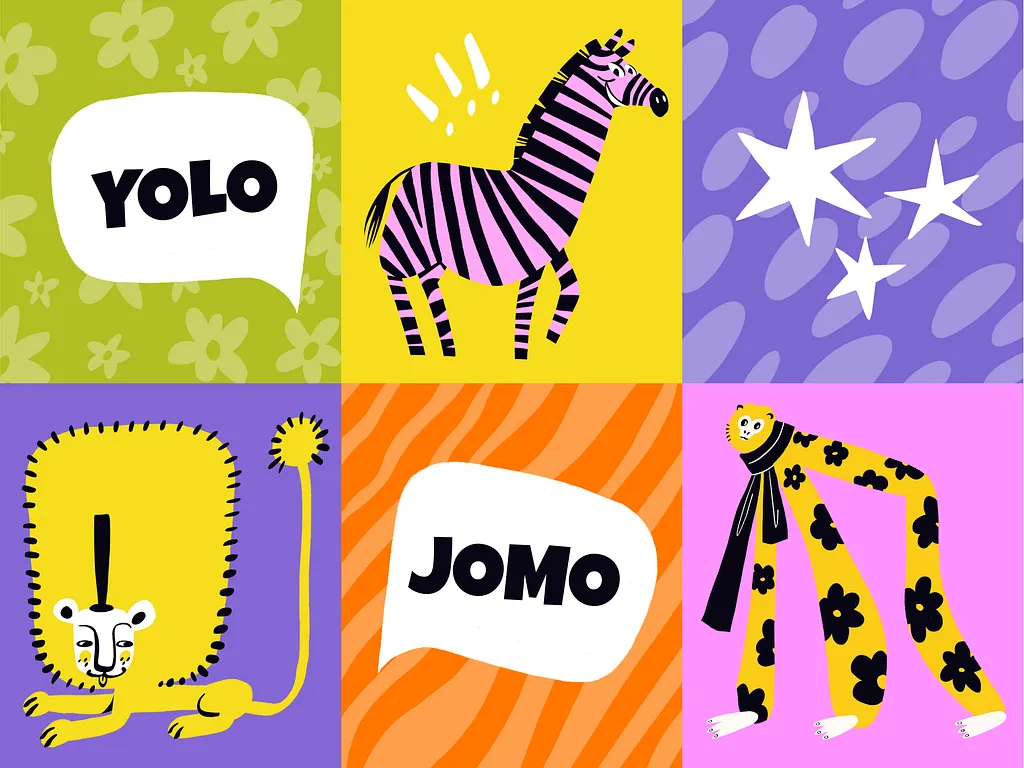
From Design to Physical Sticker (Printing Essentials)
Once your design is ready, turning it into a physical sticker requires a few key decisions.
Material Options
- Vinyl – durable, waterproof, ideal for outdoor use
- Paper – more affordable, suitable for indoor use
- Transparent – clean, modern aesthetic
Finish Types
- Glossy – vibrant and eye-catching
- Matte – subtle and premium-looking
- Specialty finishes – holographic or textured for added appeal
Cutting Styles
- Die-cut – follows the exact shape of your design
- Kiss-cut – easier to peel, often used for sticker sheets
Each choice affects how your sticker looks, feels, and performs in real-world use.
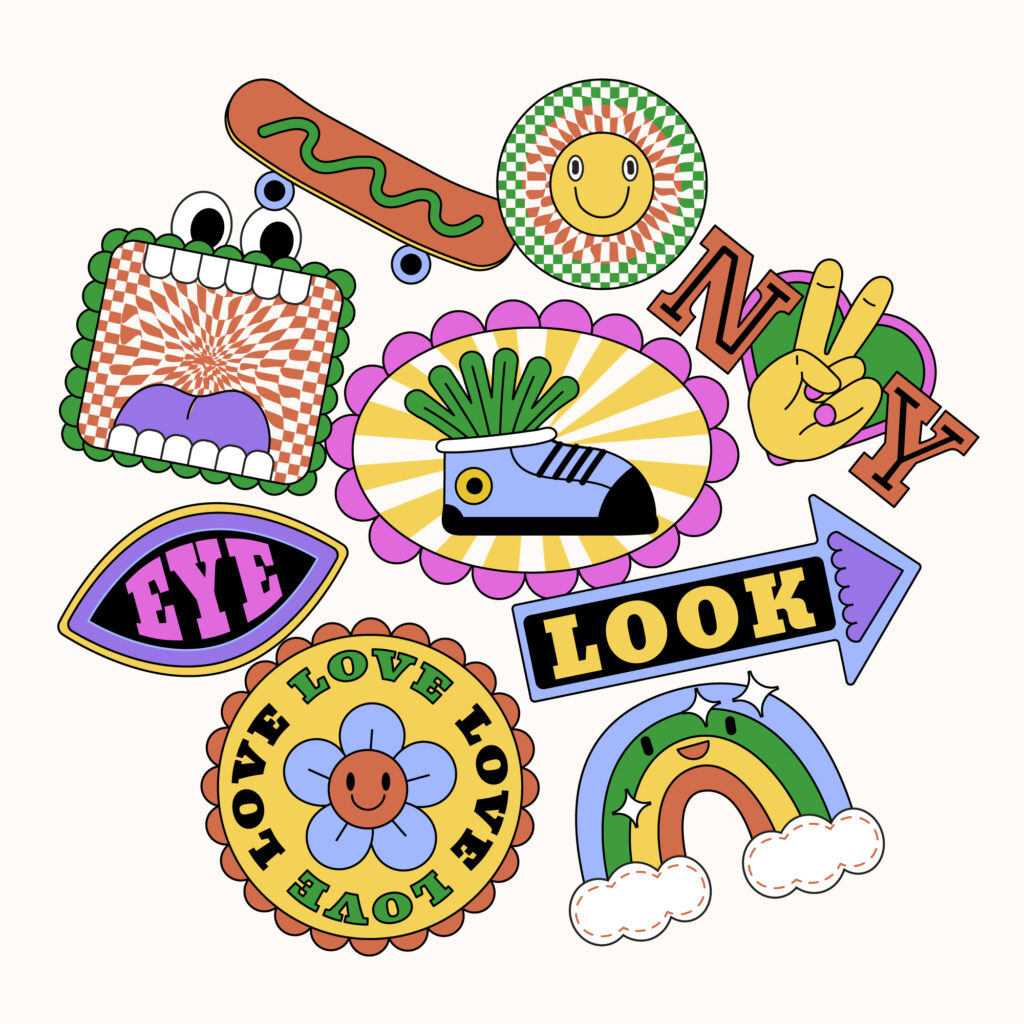
How to Make Your Sticker Art Stand Out Online
Creating great designs is one thing. Getting them seen is another.
Develop a Consistent Style
Consistency builds recognition. Over time, people should be able to identify your work instantly.
Share Your Process
Behind-the-scenes content builds trust and engagement.
Optimize for Platforms
Different platforms favor different formats. Adapt your sticker art for each one.
Create Collections
Instead of single designs, release themed packs. This increases perceived value.
Encourage Sharing
Design stickers people want to use and display.
Common Mistakes to Avoid
Even experienced creators fall into these traps.
Overcomplicating Designs
Too many elements reduce clarity and impact.
Ignoring Real-World Use
A design that looks good on screen may not work as a sticker.
Weak Visual Identity
If every design looks different, it’s harder to build recognition.
Skipping Testing
Always preview your sticker at actual size before finalizing.
Final Thoughts
Sticker art continues to grow because it adapts. It works across physical and digital spaces, blends creativity with function, and gives both individuals and brands a way to communicate visually and instantly.
What makes it especially powerful today is accessibility. You don’t need advanced skills or expensive tools to get started. With platforms like Cartoonize—and features like the Face-to-Sticker AI tool—you can move from idea to finished design faster than ever.
If you’re serious about sticker art, focus on two things:
- Clarity in design
- Consistency in style
Everything else improves with practice.
And once you start, you’ll realize something quickly—sticker art isn’t just a format. It’s a system for creating, sharing, and scaling visual ideas.
