

• Tools
    • Column 1
      • Essential
        • Photo Editor
        • Background Remover
        • Image Cropper
        • Image Resizer
        • Image Flipper
        • Image Brightener
        • Image Darkener
        • Text Editor
        • Color Replacer
        • Photo Blur
    • Column 2
      • Filters & Effects
        • Photo Cartoonizer
        • NFT Maker
        • Photo to Painting
        • Photo to Drawing
        • Photo to Sketch
        • Image Posterizer
        • Color Inverter
        • Sepia Converter
        • Grayscale Images
        • Photo Filters
        • Photo Frames
        • FX Cartoonizer
    • Column 6
      • Overlays & Masks
        • Image Masking
        • Mystical Fog
        • Falling Rain
        • Falling Snow
        • Add Glitch
        • Add Bokeh
        • Add Light Leaks
        • Image Blender
    • Column 3
      • Social Media
        • Profile Picture Maker
        • Avatar Maker
        • Meme Generator
        • Watermark Photos
        • Twitch Banner Maker
        • Photo Combiner
    • Column 4
      • Converters
        • PNG to JPG
        • JPG to PDF
        • PNG Converter
        • PNG Maker
        • Image Compressor
    • Column 5
      • Creative
        • Image Pixelator
        • Color Splash
        • Draw on Pictures
        • Background Changer
        • Hair Color Changer
        • Color Picker
        • Circle Cropper
  • Features
  • Pricing
  • Learn
  • Support
  • More
    • About us
    • Affiliate program
    • Contact us
© All rights reserved.
Photo to Cartoon – Cartoonize Yourself – Character Maker Photo to Cartoon – Cartoonize Yourself – Character Maker
  • AI Tools new
    • Face Restoration
    • Inpainting & Removal
    • Background Removal
    • Image Upscale
    • Image De-oldify
    • Face to Sticker
    • Prompt Generation
    • Photo to Anime
  • Tools
    • Column 1
      • Essential
        • Photo Editor
        • Background Remover
        • Image Cropper
        • Image Resizer
        • Image Flipper
        • Image Brightener
        • Image Darkener
        • Text Editor
        • Color Replacer
        • Photo Blur
    • Column 2
      • Filters & Effects
        • Photo Cartoonizer
        • NFT Maker
        • Photo to Painting
        • Photo to Drawing
        • Photo to Sketch
        • Image Posterizer
        • Color Inverter
        • Sepia Converter
        • Grayscale Images
        • Photo Filters
        • Photo Frames
        • FX Cartoonizer
    • Column 6
      • Overlays & Masks
        • Image Masking
        • Mystical Fog
        • Falling Rain
        • Falling Snow
        • Add Glitch
        • Add Bokeh
        • Add Light Leaks
        • Image Blender
    • Column 3
      • Social Media
        • Profile Picture Maker
        • Avatar Maker
        • Meme Generator
        • Watermark Photos
        • Twitch Banner Maker
        • Photo Combiner
    • Column 4
      • Converters
        • PNG to JPG
        • JPG to PDF
        • PNG Converter
        • PNG Maker
        • Image Compressor
    • Column 5
      • Creative
        • Image Pixelator
        • Color Splash
        • Draw on Pictures
        • Background Changer
        • Hair Color Changer
        • Color Picker
        • Circle Cropper
  • Features
  • Pricing
  • Learn
Get started
Sign in

Sign in

Photo to Cartoon – Cartoonize Yourself – Character Maker

How to Turn Your Photo into a Cute Monkey Cartoon

Home / Learn / Blog / How to Turn Your Photo into a Cute Monkey Cartoon
By Cristhy Calague inBlog, Creative

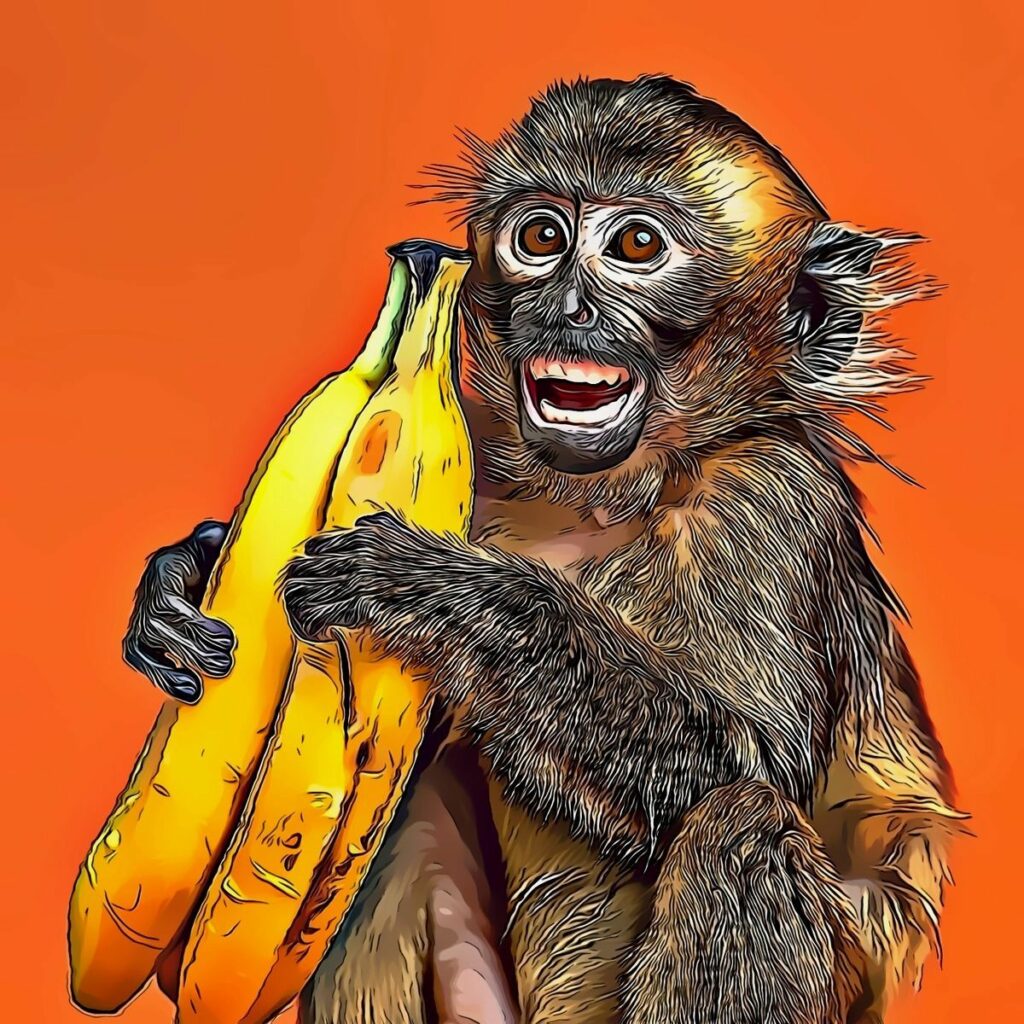
monkey cartoon made with colorcinch

Ever wondered what you’d look like as a cute monkey cartoon? 
It sounds funny—but it’s actually one of those creative edits people love for profile pictures, memes, and social posts.

Monkey characters have always been iconic in animation and storytelling, from the curious and lovable Curious George to the wise and memorable Rafiki from The Lion King. These characters show how expressive and fun monkey-inspired designs can be, which is why turning your own monkey photo into a cartoon is so appealing.

The good news? You don’t need drawing skills or complicated apps. With tools like Colorcinch, you can upload your photo, apply an anime-style effect, and guide the result with a simple prompt—like “anime monkey cartoon style.”

Let’s walk through how to do it step by step.

Why This Trend Is Blowing Up

Cartoon transformations are everywhere right now—and not just basic filters.

People are turning photos into:

  • Anime characters
  • Digital paintings
  • Funny animal-style versions of themselves

A monkey cartoon style stands out because it’s:

  • Playful and expressive
  • Unexpected (which makes it scroll-stopping)
  • Perfect for fun, shareable content

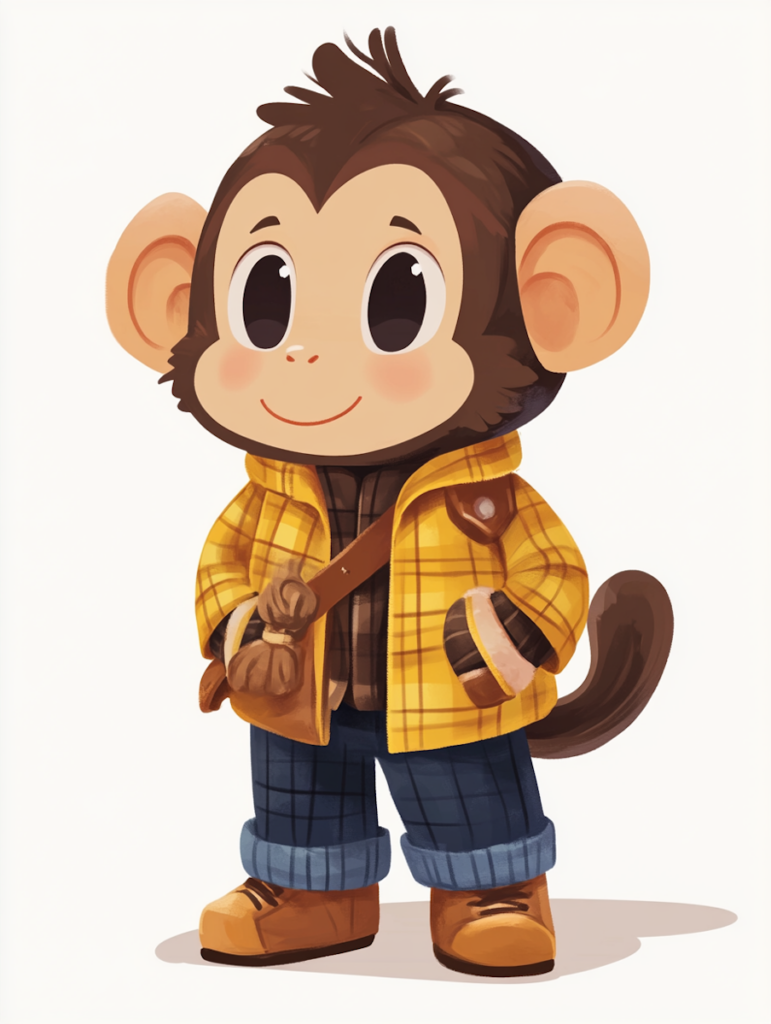
Stylish Cartoon Monkey

What You’ll Need

  • A clear selfie or portrait
  • Internet connection
  • A browser-based editor like Colorcinch

No design experience required.

Step-by-Step: Turn Your Photo into a Monkey Cartoon

Step 1: Upload Your Photo

Go to Colorcinch and upload your image.

Tip: Choose a well-lit photo with a clear face for better results.

Step 2: Go to Photo-to-Anime AI Tool

Navigate to the AI Tools, click Photo to Anime feature.

This is where you can transform your image beyond basic filters.

Step 3: Enter a Prompt

Here’s the key step.

Type a prompt like:

  • “cute monkey cartoon style”
  • “anime monkey character”
  • “funny monkey cartoon version of a person”

The tool uses your prompt to guide the transformation—so don’t be afraid to experiment.

colorcinch photo to anime monkey cartoon style prompt

Step 4: Adjust and Refine

Once the image is generated, tweak things like:

  • Style intensity
  • Colors
  • Details

Try different prompts or variations until you get a result that feels fun and natural.

Step 5: Download Your Cartoon Image

Happy with your monkey cartoon version? Download it in high quality and use it anywhere—social media, profile pics, or even prints.

photo to monkey cartoon
Upload your photo and watch the transformation

Try the Colorcinch Online Cartoonizer

If you want a quicker way to get started, you can simply upload your monkey photo and use the Cartoonizer feature in Colorcinch. With just one click, you can apply different cartoon effects and instantly transform your image into a fun, stylized version. From soft sketch looks to bold comic-style edits, the Cartoonizer makes it easy to experiment and find the perfect cute monkey cartoon style without any manual editing.
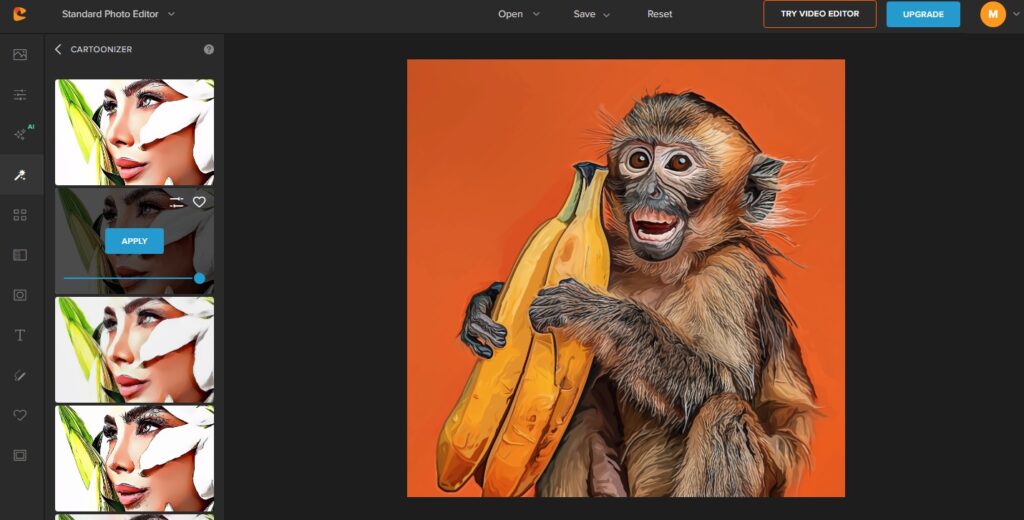
colorcinch cartoonizer online

You Can Do More Than Monkey Cartoons

One of the best things about Colorcinch is flexibility.

You’re not limited to one style—you can turn your photo into:

Anime Characters

Create stylized portraits with clean lines and vibrant colors.

Paintings

Transform your photo into:

  • Oil paintings
  • Watercolor art
  • Soft, aesthetic edits

Digital Cartoons & Sketches

From comic-style effects to pencil drawings, there’s a lot to explore.

Fun Ideas to Try

Want content that actually gets clicks and shares? Try this:

  • Turn your selfie into a monkey cartoon
  • Make a funny “animal version” of yourself
  • Create a unique profile picture
  • Surprise friends with cartoon edits
  • Test different prompts for unexpected results

monkey cartoon made with colorcinch

Tips for Better Results

A few small tweaks can make a huge difference:

  • Use high-quality images
  • Keep backgrounds simple
  • Try multiple prompts (this is key!)
  • Don’t over-edit—natural-looking results often feel better

Why Use an Online Tool?

Instead of complicated editing software, tools like Colorcinch make everything simple:

  • No downloads
  • Beginner-friendly
  • Fast results
  • Creative freedom with prompts

It’s perfect whether you’re just experimenting or creating content.

Final Thoughts

Turning your photo into a cute monkey cartoon is easier (and more fun) than it sounds.

With the right prompt and a bit of creativity, you can transform any image into something playful, unique, and totally shareable.

And once you try it, you’ll probably end up experimenting with anime styles, paintings, and more.

Try It Yourself

Upload your photo and experiment with prompts using Colorcinch.

You might be surprised how fun—and addictive—it is.

cartoon monkeycartoonizercolorcinch ai cartoonizerphoto to anime cartoon
118 Posts
Cristhy Calague
Cristhy is a Digital Marketing Specialist at Colorcinch. She loves traveling, reading romantic-comedy books, and baking cheesecakes.
  • Aesthetic Drawing Ideas & Inspiration
    Previous PostAesthetic Drawing Ideas & Inspiration

Related Posts

Aesthetic Drawing Ideas & Inspiration
Blog Creative

Aesthetic Drawing Ideas & Inspiration

Pastel Color Palette: 25 Beautiful Soft Color Combinations
Blog Creative

Pastel Color Palette: 25 Beautiful Soft Color Combinations

Shape in Photography Guide
Blog Creative

Shape in Photography Guide

Winter Aesthetic: Capture & Edit Cozy Photos
Blog Creative

Winter Aesthetic: Capture & Edit Cozy Photos

colorcinch-dark

All Rights Reserved
© Colorcinch

Product

  • Home
  • Get started
  • Features
  • Pricing
More
  • Image Cartoonizer
  • Image Cartoonizer Premium
  • Image Cartoonizer for PC
  • Sitemap

Company

  • About us
  • Leadership
  • Careers
  • Affiliate program
  • Contact us

Information

  • Photo Editor
  • Online Cartoonizer
  • FX Cartoonizer
  • FAQ
  • Blog
  • Support

Subscribe to our newsletter:

Product of eVeek, LLC

© Colorcinch. All Rights Reserved.

Terms of Service  Privacy Policy  Disclaimers

colorcinch-dark
English
  • English
  • French
  • Spanish
  • Indonesian
  • Turkish
  • Arabic
  • German
  • Italian
  • Portuguese
  • Russian

Terms of Service       Privacy Policy      Disclaimers

  • Home
  • Get started
  • Features
  • Pricing
Copy

Forgot password