


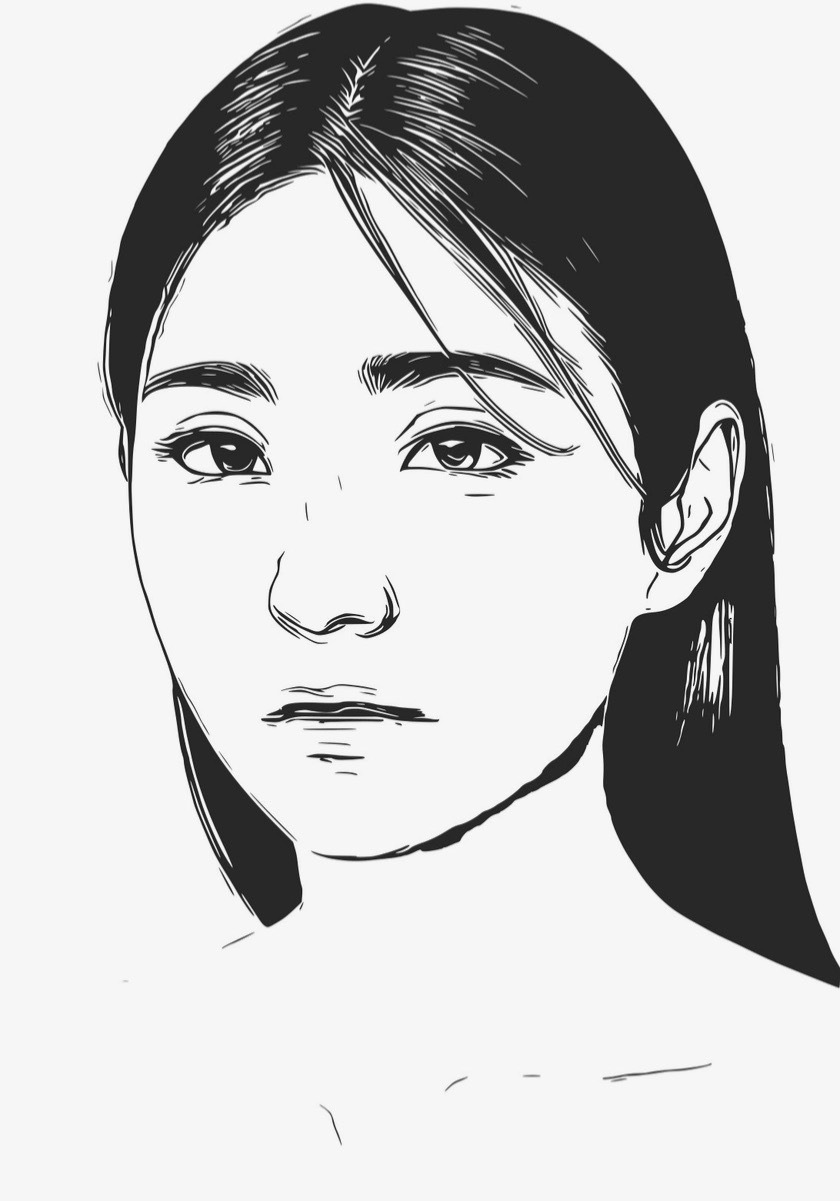
Learning how to draw people can feel intimidating at first. Human figures have complex shapes, proportions, and movement — but with easy person drawing techniques and some digital help, anyone can start creating realistic or stylized sketches in no time. In this guide, we’ll explore simple human figure drawing tips, beginner-friendly exercises, and show you how to use Colorcinch’s Photo-to-Sketch tool to instantly turn photos into sketches in various styles.
Why Try Easy Person Drawing?
You don’t have to be a professional to enjoy figure drawing. Whether it’s sketching a friend, a family member, or even your favorite celebrity, practicing easy human sketching helps you:
-
Understand basic proportions
-
Capture motion and posture
-
Create realistic or stylized illustrations
-
Experiment with traditional and digital art
And thanks to Colorcinch, you can skip the pressure of perfect hand-drawn lines and start creating quick person sketches that look professional in just a few clicks.
Basics of Simple Human Figure Drawing
Even if you’re new to art, you can get started with easy figure drawing by focusing on shapes, proportions, and gestures.
1. Start With Basic Shapes
Every human figure can be simplified into basic geometric shapes:
-
Circle or oval for the head
-
Rectangle or trapezoid for the torso
-
Lines for arms and legs
This simple person drawing technique helps you place the figure on the page and keeps proportions balanced. You’ll refine the lines later as your sketch develops.
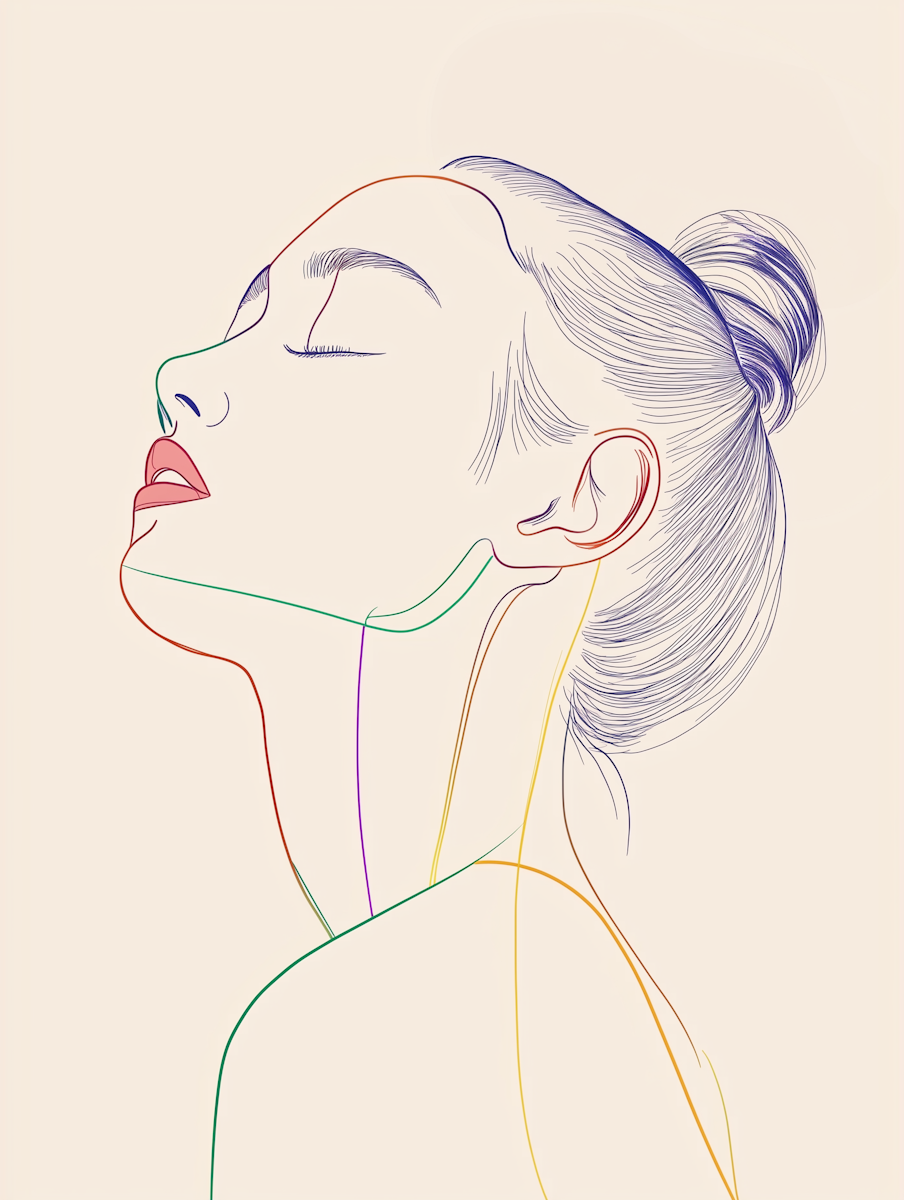
2. Learn Proportions
Proportions are the backbone of figure drawing. A simple rule for adult figures: the body is about seven heads tall. This means the head, torso, hips, and legs can be measured roughly in head-length units.
You don’t need to be precise — this is just a guide to make your beginner figure sketches look balanced.
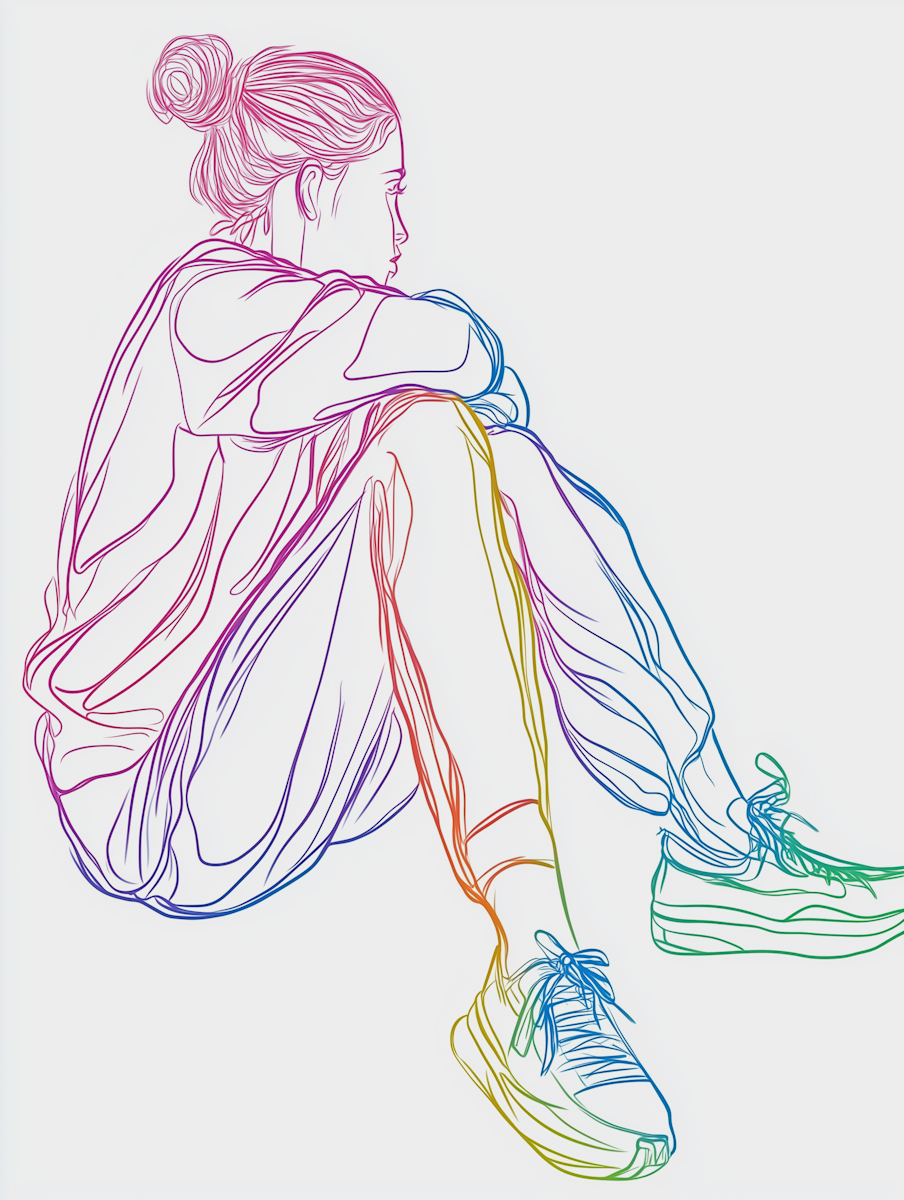
3. Focus on Gesture and Movement
Gesture drawing captures the flow and energy of a pose. Quick, loose sketches can express movement and posture without focusing on fine details. This step is key for easy person drawing exercises and helps your sketches feel alive.
4. Build From Simple to Detailed
Once the basic shapes are in place, add:
-
Facial features
-
Hair
-
Clothing folds
-
Shadows and shading
This approach ensures your simple human figure drawing looks polished without being overwhelming.
Digital Help: Colorcinch Photo to Sketch
Not confident in your hand-drawing skills? Digital tools like Colorcinch let you turn any photo into a beautiful sketch in seconds. This is perfect for creating easy person drawings from real-life references or photos.
Step-by-Step: Creating a Quick Person Sketch With Colorcinch
-
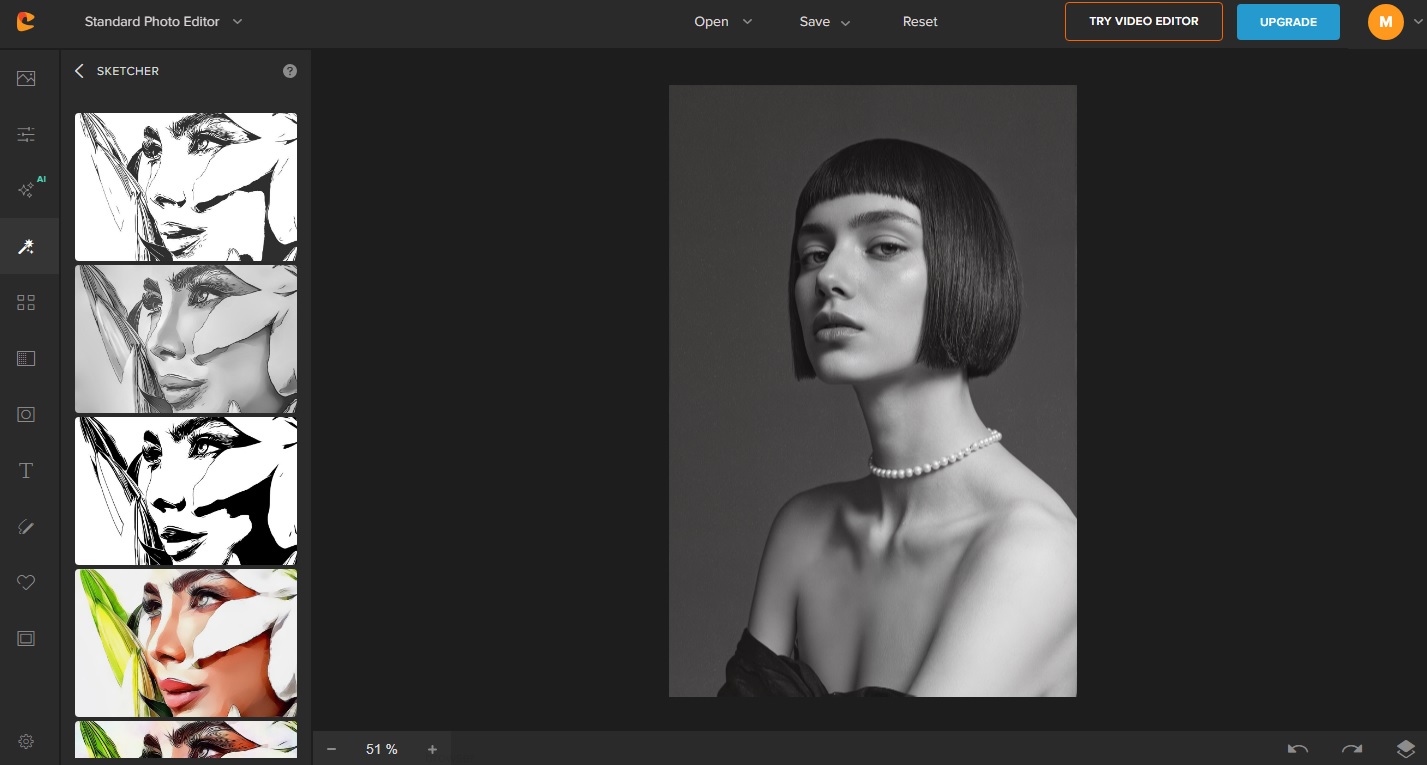
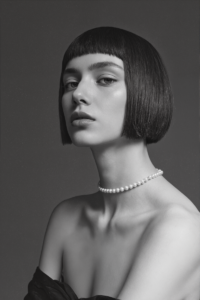
Upload Your Photo
Choose a picture you want to turn into a sketch — this can be a portrait, a full-body photo, or even a group shot. Upload it to Colorcinch. -
Pick a Sketch Style
Colorcinch offers multiple sketch styles:-
Classic pencil sketch
-
Fine line drawing
-
Soft graphite shading
-
Partial color sketch
These let you create anything from realistic to stylized quick person sketches.
-
-
Adjust and Customize
Tweak line intensity, shadows, and details to match your artistic vision. You can even keep some color for a hybrid effect.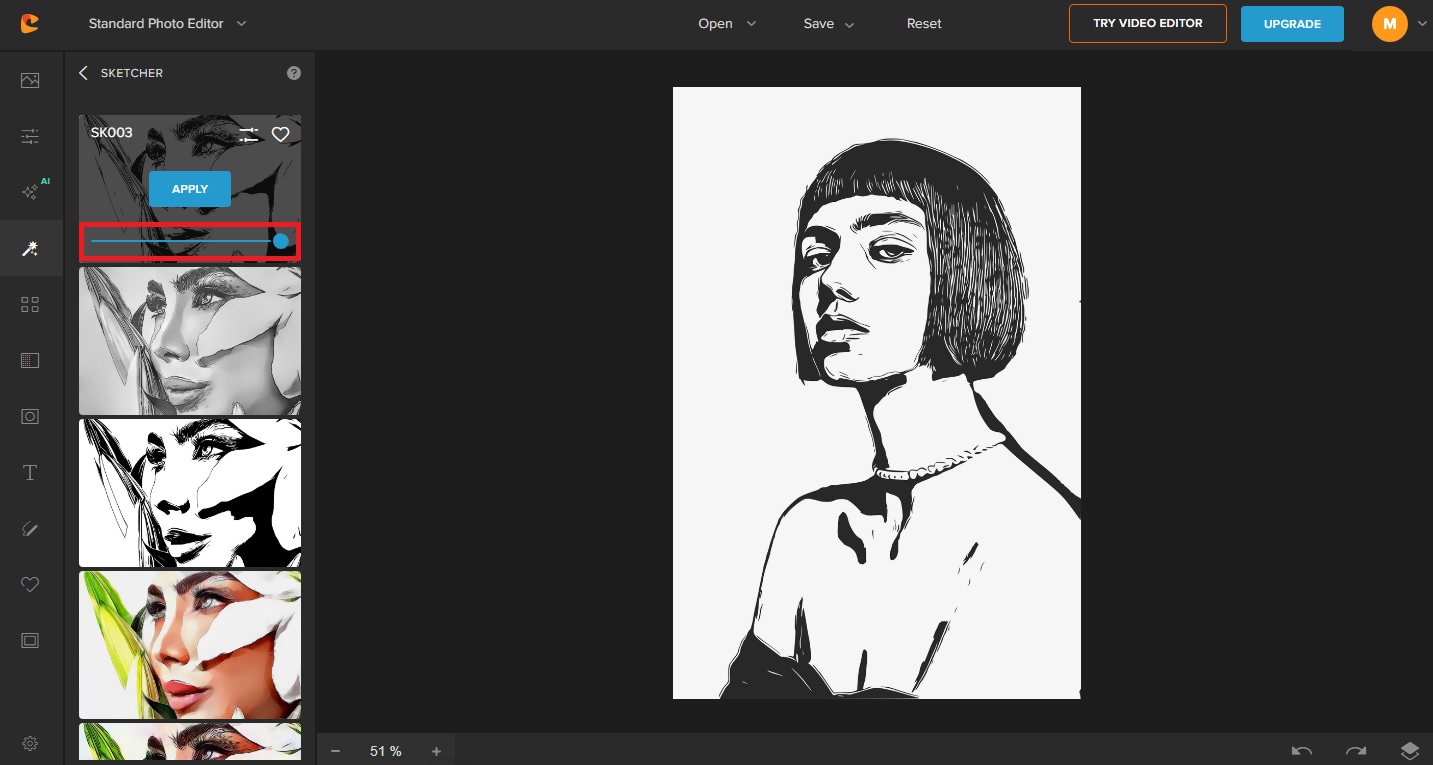
-
Save and Share
Download your sketch in high resolution. Use it as a reference for traditional drawing, or share it directly on social media for a polished look.
Try the Colorcinch Sketcher now!
With Colorcinch, beginners can instantly turn photos into easy sketches without worrying about proportions or shading.
Multiple Sketch Styles for Creativity
One of the best parts about digital sketching is flexibility. Colorcinch lets you experiment with styles:
-
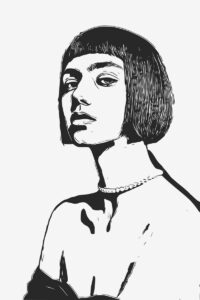
Classic Pencil – Looks like authentic hand-drawn art
-
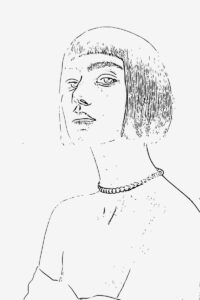
Fine Lines – Minimalist and modern aesthetic
-
Graphite Shading – Soft textures for realistic depth
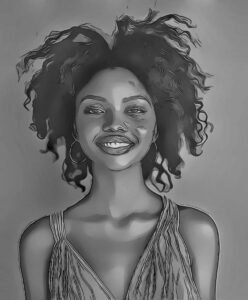

-
Partial Color Sketch – Keeps some color while adding sketch effects
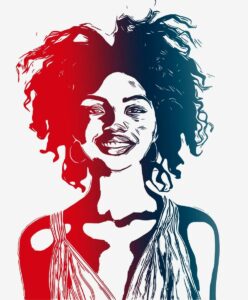
Try different styles on the same photo to see which works best for your easy person drawing projects.
Combining Traditional and Digital Techniques
Digital tools don’t replace learning — they complement it. Here’s how you can combine easy person drawing techniques with Colorcinch:
Practice by Tracing
Convert a photo to a sketch and trace it by hand. This helps you understand proportions, line flow, and shading without starting from scratch.
Use as Inspiration
A Colorcinch sketch can act as a reference for your own simple human drawings, allowing you to experiment with exaggeration or style changes.
Create Mixed Media Art
Sketch in Colorcinch, then add color or textures in other tools for a unique mixed-media effect. This is perfect for modern illustration or digital portfolios.
Easy Person Drawing Prompts
To boost your confidence and creativity, try these beginner-friendly exercises:
-
Silhouette Figure – Capture just the outline of a person
-
Walking Pose – Draw a figure in motion with simple lines
-
Close-Up Portrait – Focus on the head and face
-
Figure With Props – Add a hat, backpack, or book for interest
-
Cartoon Style – Simplify shapes for a fun, stylized sketch
These exercises are simple enough for beginners and allow you to practice easy sketching without feeling overwhelmed.
FAQ: Easy Person Drawing & Digital Sketching
Is easy person drawing only for kids?
Not at all! Anyone can benefit from learning basic figure drawing — it’s useful for beginners, hobbyists, and even professional artists.
Do I need special tools?
No. You can practice with pencil and paper, but digital tools like Colorcinch make it easy to create sketches, drawings, and paintings quickly. Plus, you can explore various styles.
Can I edit the sketch further?
Yes! Adjust shadows, line intensity, and add effects to make your easy person drawing uniquely yours.
Is this suitable for beginners?
Absolutely. Even if you’ve never drawn before, using references and Colorcinch makes creating portrait sketches achievable and fun.
Final Thoughts
Mastering easy person drawing doesn’t happen overnight, but starting simple and combining traditional practice with digital tools can fast-track your progress. Whether you’re drawing by hand or transforming a photo into a quick person sketch with Colorcinch, the most important thing is to experiment, have fun, and enjoy the creative process.
Ready to create your first digital sketch? Head to Colorcinch, upload your photo, and watch your image transform into beautiful artwork with just a few clicks. It’s the perfect way for beginners to explore easy human figure drawing without the pressure.
