


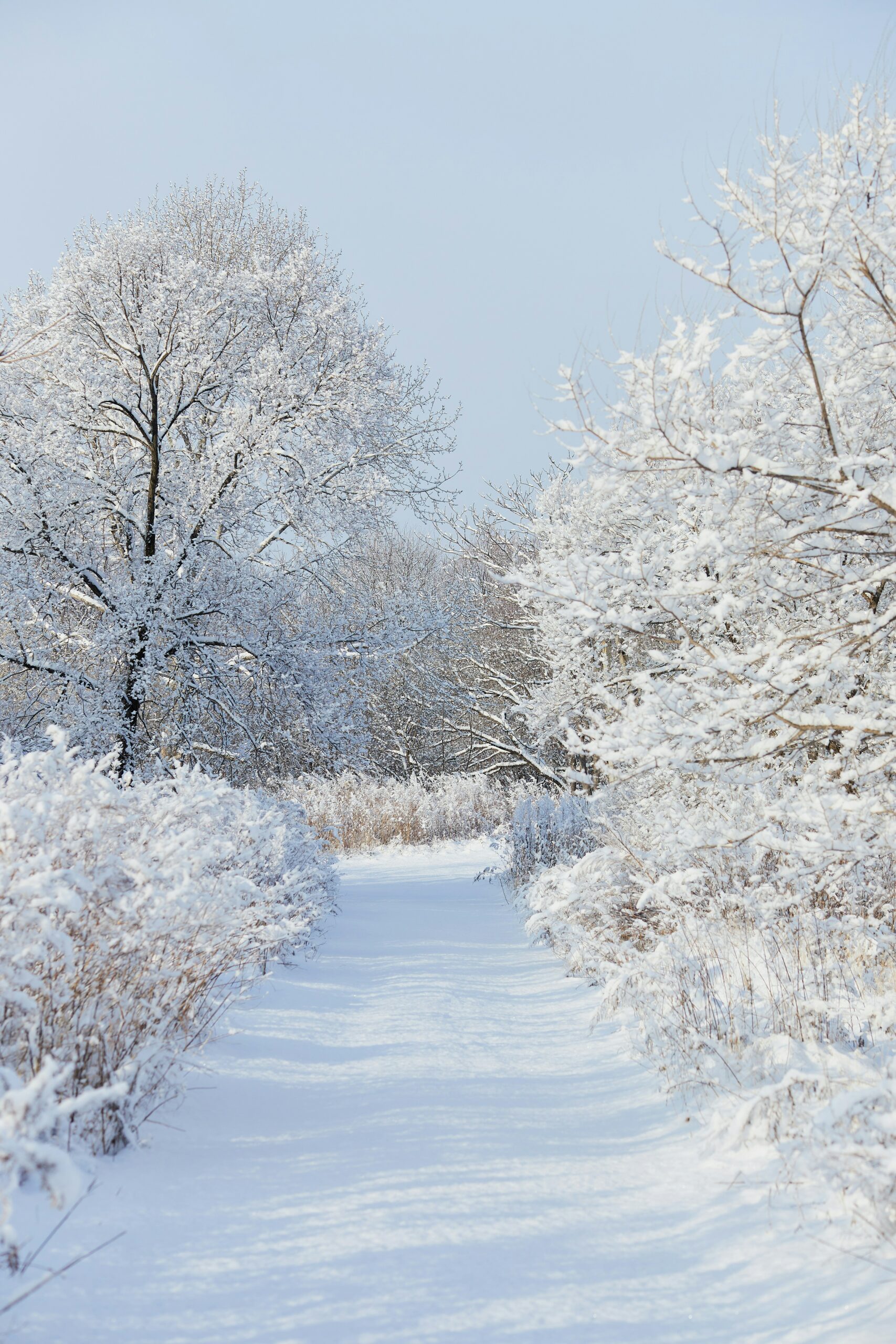
There’s something magical about winter aesthetic photos. Soft whites, muted tones, and cozy textures make winter scenes feel calm and cinematic. Whether you’re photographing snow-covered landscapes, frosty mornings, or warm indoor settings, winter provides a perfect backdrop for creating dreamy images.
You don’t need a mountain cabin or a professional studio to capture the winter aesthetic. With the right photography techniques and simple editing tools, you can create cozy winter photography ideas that look professional. This guide covers winter aesthetic photography tips, how to create cozy winter photos, and editing tricks using Colorcinch, including snow overlays for photos.
What Is Winter Aesthetic Photography
Winter aesthetic photography is all about capturing the mood of the season. Think snow falling gently, warm drinks against frosty windows, muted color palettes, and minimalistic compositions.
It can lean soft and bright, with airy whites and pastel skies, or moody and cozy, emphasizing shadows and warm indoor tones. Understanding your style helps plan both your shoot and post-processing.
1. Choose the Right Color Palette
Winter isn’t just white. A good color palette elevates your winter aesthetic photos. Popular tones include:
-
Cool blues and soft grays
-
Muted browns and warm beiges
-
Deep greens and dusty rose tones
For portraits or lifestyle shots, neutral outfits and cozy props like knit sweaters, scarves, mugs, or dried florals enhance the mood. Cloudy skies soften shadows naturally, giving your photos a soft, dreamy feel.
2. Shoot During Soft Light
Winter light is flattering and easy to work with. Overcast days, early mornings, and golden hour provide soft, diffused lighting ideal for how to create winter aesthetic photos.
Tips for capturing the best light:
-
Slightly overexpose snowy scenes to avoid underexposure
-
Use backlighting to make snow glow naturally
-
Shoot toward the light for soft, cinematic effects
Indoors, take advantage of natural window light. Sheer curtains diffuse light, creating warm, cozy vibes for your winter photography content.
3. Use Minimalist Composition
Minimalism complements the winter aesthetic. A single subject walking through snow, a lone tree, or a simple cup of coffee on a windowsill creates calm, editorial-style photos.
Composition tips:
-
Use negative space to emphasize your subject
-
Apply the rule of thirds or symmetry for balance
-
Include foreground elements like falling snow or branches to add depth
Minimalist winter photography works well for social media posts, blogs, and portfolios.

4. Add Movement for a Dynamic Winter Aesthetic
Static photos can feel flat, but movement brings life to winter photos. Ideas include:
-
Gently toss snow for natural falling patterns
-
Capture scarves, coats, or hair flowing in the wind
-
Shoot steam rising from hot drinks
Even without real snow, you can create this effect digitally with snow overlays for photos.
5. Enhance Your Winter Vibes With Editing
Editing is where your photos really come alive. Tools like Colorcinch make it simple to create cozy winter photos online.
Add Snow Overlays
Choose from Colorcinch’s collection of snowflake overlays and apply the one that best fits your photo. Each overlay has its own style, so it’s easy to find the perfect winter vibe for portraits, landscapes, or indoor scenes.
Adjust Temperature and Tint
Subtle color adjustments help maintain a natural winter aesthetic. Cool down tones slightly for outdoor scenes or add warmth for indoor photos. Colorcinch lets you balance highlights, shadows, and tints to create consistent winter tones.
Soften Highlights and Add Glow
Snow reflects a lot of light, which can blow out highlights. Reduce highlights and add a soft glow to give your photos that dreamy, cinematic look.
Enhance Texture
Texture adds depth to your winter aesthetic photos. Use selective sharpening on knit sweaters, wool scarves, snowflakes, or wooden surfaces while keeping skin soft and natural.
6. Create a Moody Winter Aesthetic
Not all snowy photo aesthetics are bright and airy. Moody winter photography focuses on shadows, warm indoor lighting, candlelight, and deep earthy tones.
Editing tips for moody winter aesthetics:
-
Slightly increase contrast
-
Lower exposure to emphasize shadows
-
Warm midtones for a cozy feel
-
Add subtle vignette
Moody winter photography works well for café shots, book photography, self-portraits, and lifestyle content.
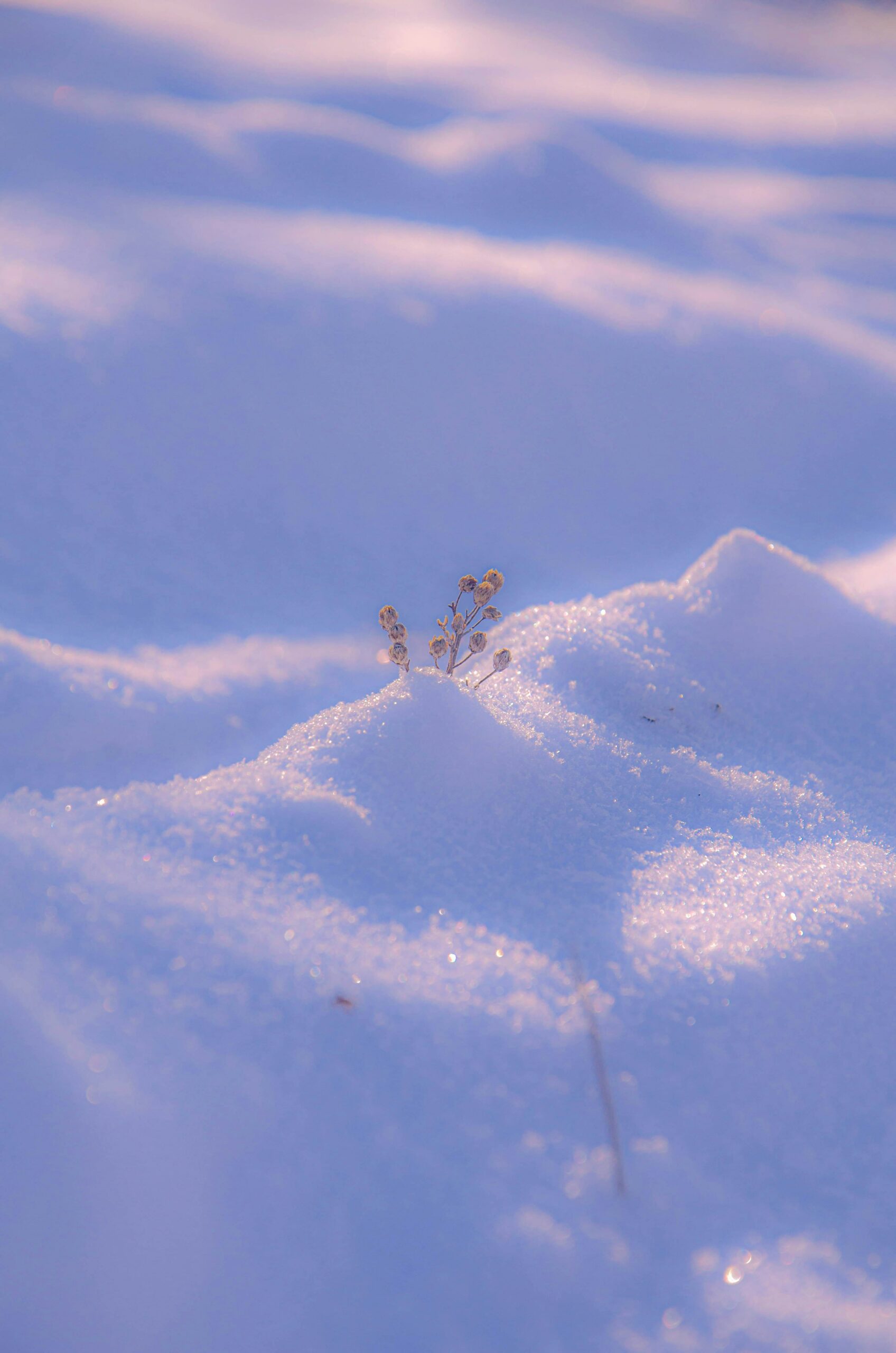
7. Minimalist Snow Scenes
Minimalism pairs naturally with winter. Clean, snowy backgrounds allow your subject to stand out.
-
Emphasize strong shapes or singular subjects
-
Remove distractions in post-processing
-
Brighten whites for crisp, polished snow
Minimalist winter aesthetic photography is perfect for editorial projects, blogs, and social media content.
8. Winter Aesthetics for Social Media
Seasonal content resonates with audiences. Winter aesthetic social media ideas include:
-
Outfit portraits and lifestyle photos
-
Cozy indoor setups
-
Snowy or frosty profile pictures
-
Before-and-after snow overlay transformations
-
Winter-themed quote graphics
Even autumn photos can be transformed into winter aesthetic photos by cooling tones and adding snow overlays in Colorcinch.
9. Before-and-After Transformations
Showing your editing process engages viewers. Take a simple outdoor shot, cool the tones, enhance lighting, apply a snow overlay, and adjust contrast. You now have a winter aesthetic photo that feels magical, even if the original scene was ordinary.
10. Common Winter Photography Mistakes
-
Snow looks gray: Increase exposure and brighten whites carefully
-
Skin tones too blue: Add slight warmth to midtones
-
Highlights blown out: Reduce highlight slider and recover detail
-
Image feels flat: Add subtle contrast and depth in shadows
Editing enhances your winter aesthetic without changing the natural mood of your photo.
11. You Don’t Need Real Snow
Even without snow, you can create cozy winter photos online. Shoot indoors with neutral backgrounds, style cozy props, and add snow overlays. Tools like Colorcinch let you create winter-inspired photos digitally for social media, blogs, or personal projects.
How to Add a Snow Overlay in Three Simple Steps
-
Upload Your Photo
Start by uploading your image to Colorcinch. It can be a portrait, landscape, or indoor shot you want to transform.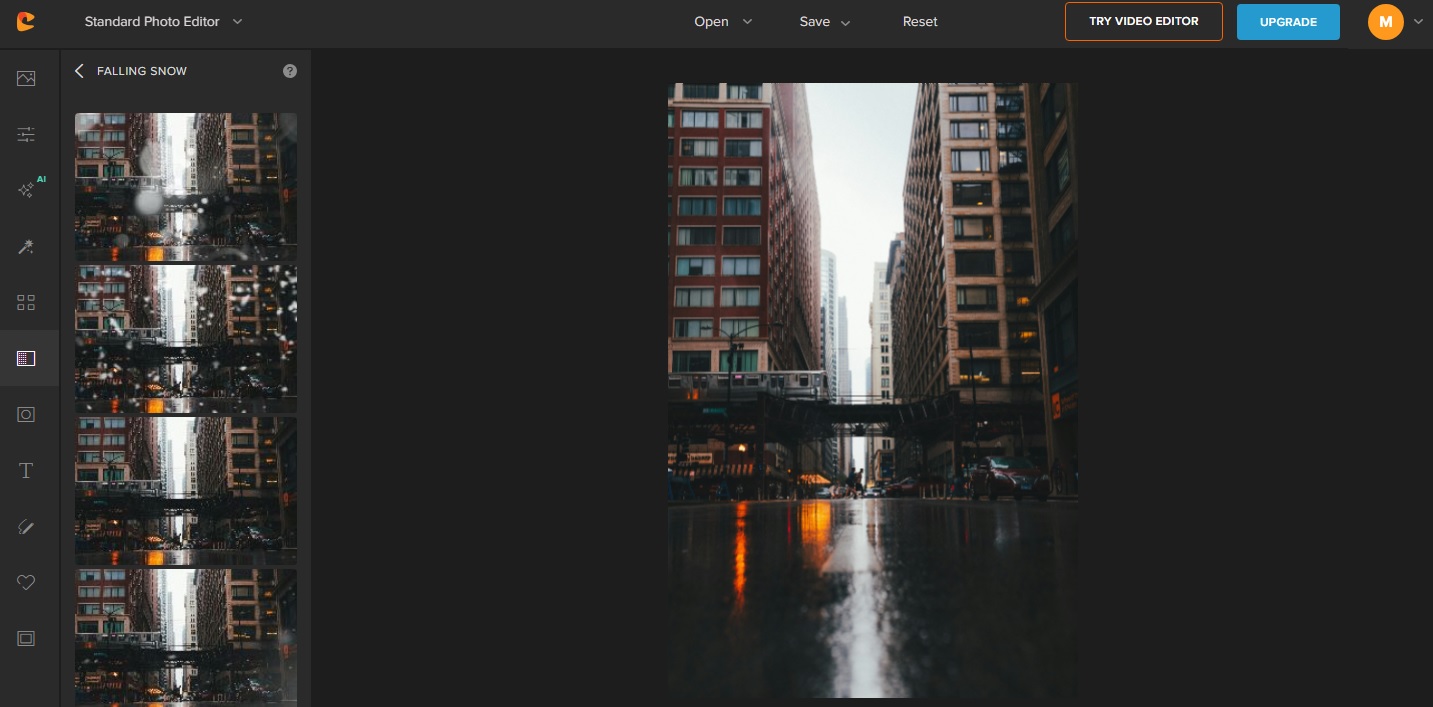
-
Pick a Snow Overlay
Choose from the collection of snowflake overlays and apply the one that best suits your image. Each overlay has its own style, so you can easily get the right winter vibe.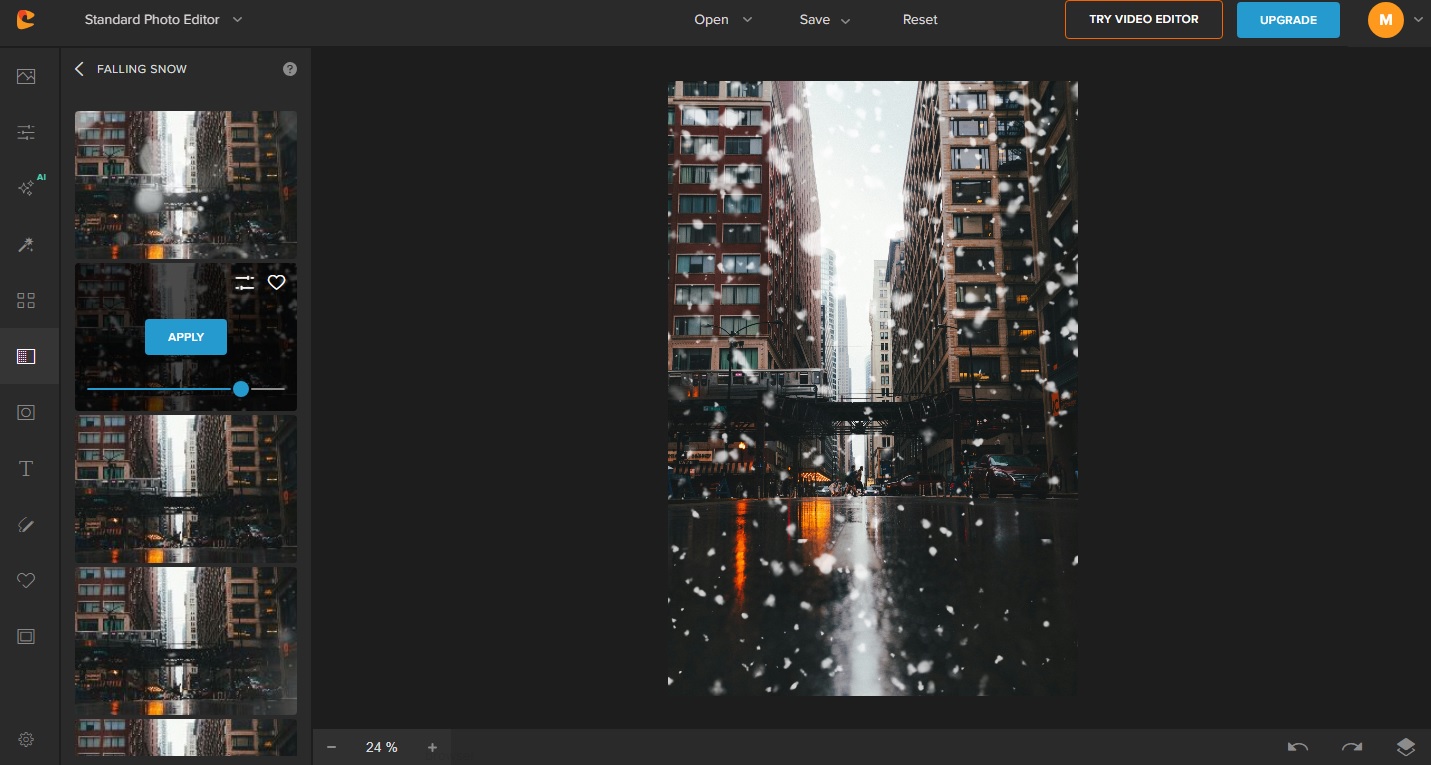
-
Download Your Winter Photo
Once applied, save your image. You now have a cozy, snow-kissed photo ready to share or use in your projects.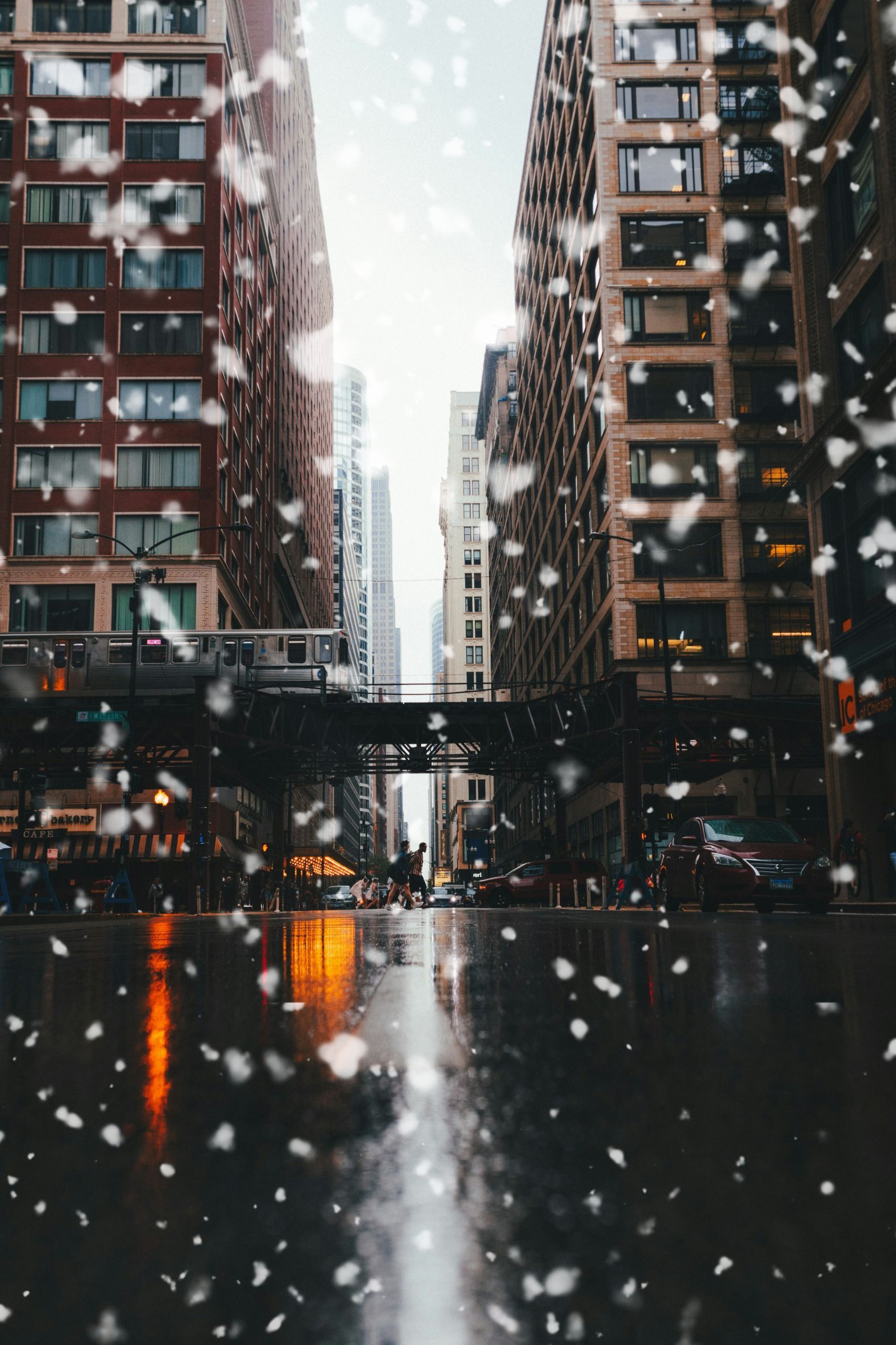
Final Thoughts
Winter -inspired photography is more than snow. It’s about calm, cozy moods, muted colors, and intentional lighting. With the right shots and tools like Colorcinch’s snow overlays, you can create winter aesthetic photos that feel professional and inviting.
Play with tones, textures, and lighting. Keep a cohesive palette. Let the mood of winter guide your edits and composition.
Winter aesthetic is about creating that feeling when someone looks at your photo and thinks:
“That feels like winter”
