


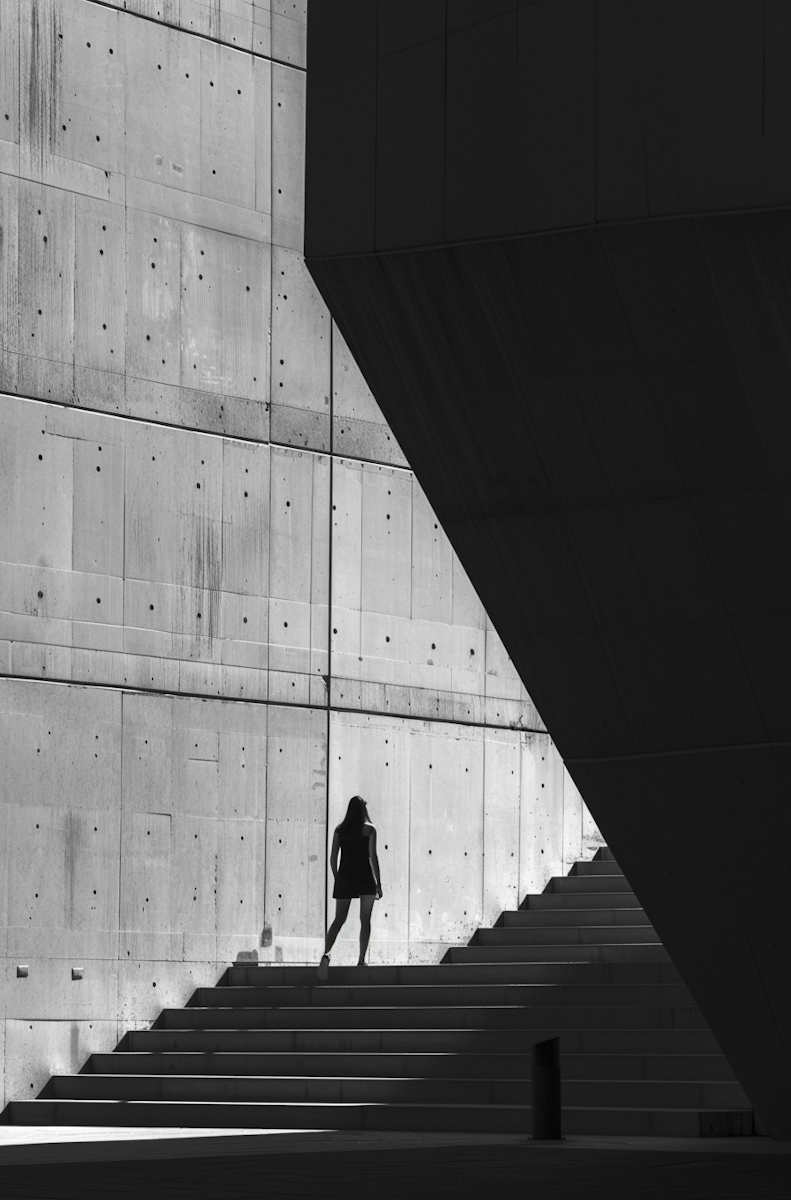
Most beginner photographers focus on color and light first.
But if you strip an image down to black and white, what’s left?
Shape.
And once you start seeing shape in photography, you can’t unsee it. Buildings turn into rectangles and triangles. Shadows become abstract cutouts. A person leaning against a wall becomes a series of intersecting lines and curves.
Understanding how to use shapes in photos isn’t just a composition trick — it’s a foundational visual skill. In this guide, we’ll go deeper than surface-level definitions and talk about how shapes actually influence balance, emotion, and storytelling.
If you’ve ever wondered why some images feel clean and powerful while others feel chaotic, shape is often the difference.
What Is Shape in Photography?
In simple terms, shape is a two-dimensional outline created by contrast, edges, color shifts, or framing.
But in real-world photography?
Shape is how the viewer organizes your image.
Our brains naturally group visual information into recognizable forms. This is rooted in Gestalt psychology — we look for patterns, symmetry, and structure. When your composition uses strong geometric shapes or intentional organic shapes, the image becomes easier to process and more visually satisfying.
That’s why minimalist photos with a single bold shape feel calming.
And why repeated shapes feel rhythmic.
And why sharp triangular shapes can feel tense or dynamic.
Shape isn’t decoration. It’s structure.
Types of Shapes in Photography (And What They Communicate)
Let’s break this down clearly.
1. Geometric Shapes in Photography
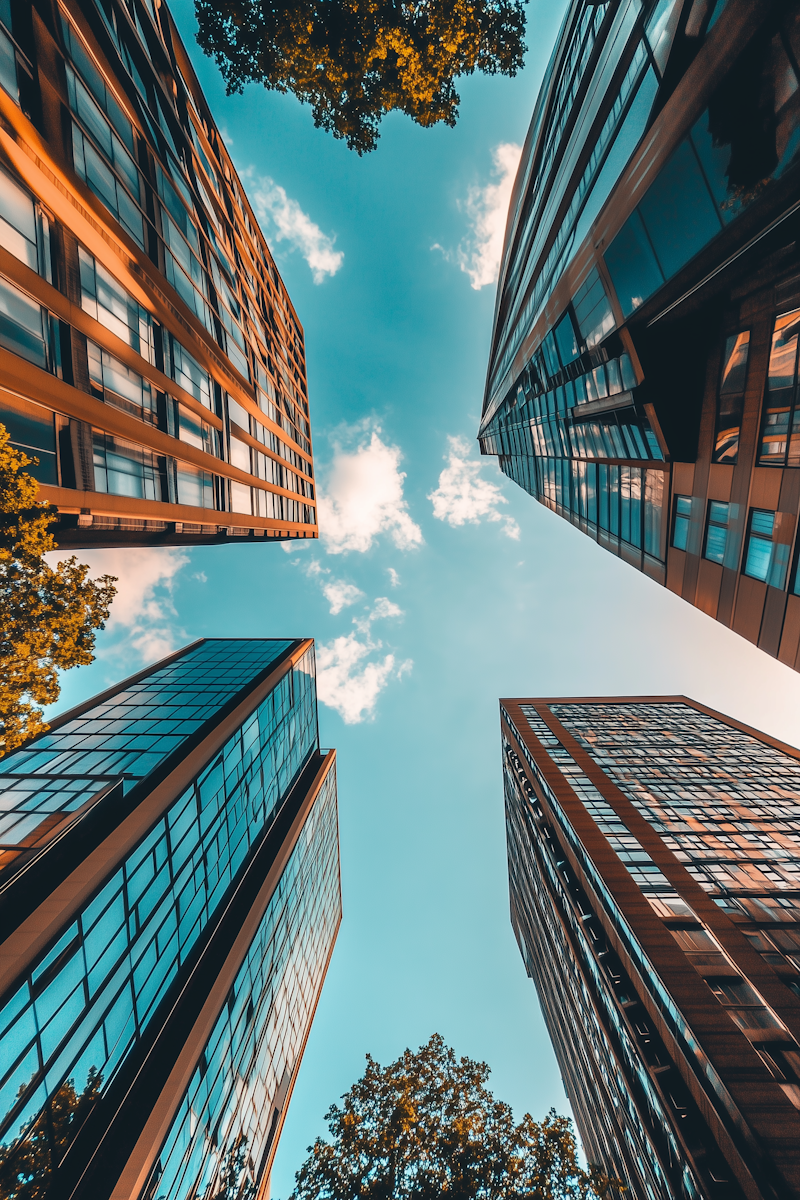
These are precise, regular shapes — circles, squares, triangles, rectangles, polygons.
You’ll see them often in:
-
Architecture photography
-
Urban street photography
-
Product photography
-
Interior photography
What they communicate:
-
Stability (squares, rectangles)
-
Balance (symmetry)
-
Movement or tension (triangles)
-
Unity (circles)
If you’ve ever photographed a row of windows or a spiral staircase, you’ve already worked with geometric shapes in photography.
Pro tip: Look up when shooting in cities. Rooflines and intersections often create powerful triangular compositions.
2. Organic Shapes in Photography
Organic shapes are irregular and flowing. They’re found in nature — clouds, coastlines, trees, shadows, silhouettes.
They communicate:
-
Softness
-
Freedom
-
Movement
-
Natural rhythm
In landscape photography, organic shapes dominate the frame. A winding river cutting across a valley creates a dynamic shape that naturally guides the viewer’s eye.
When editing organic shape photos, subtle contrast adjustments can help define edges without making them feel artificial. This is where tools like Colorcinch can help — especially with clarity and structure sliders that enhance form without over-sharpening.

3. Abstract Shapes and Shadow Shapes
Some of the most striking compositions rely on shape alone — not subject.
Shadow photography is a great example. During golden hour, shadows stretch and form elongated triangles and diagonals across sidewalks and walls.
If you convert these images to black and white, the shapes become even more dominant.
This is an excellent exercise for training your eye:
Photograph only shadows for one afternoon.
You’ll start noticing geometry everywhere.

How to Use Shapes in Photography Composition
Knowing the types is one thing. Using them intentionally is another.
Here’s how to apply shape in photography composition like a pro.
1. Use Shapes to Guide the Viewer’s Eye
Shapes can function like arrows.
A triangular roof pointing toward a subject.
A circular arch framing a person.
A curved road leading into the distance.
When shapes subtly direct attention, your composition feels effortless and intentional.
Before pressing the shutter, ask:
Where does this shape lead the eye?
2. Create Depth With Overlapping Shapes
Flat images often lack layered shapes.
Foreground + midground + background shapes create depth instantly.
For example:
-
A circular window frame in the foreground
-
A rectangular doorway in the midground
-
A triangular roofline in the background
Layered shapes add dimension and storytelling without adding clutter.
3. Use Repetition of Shapes for Rhythm
Repetition is one of the strongest photography composition techniques.
Think:
-
Columns in a hallway
-
Windows in a skyscraper
-
Waves hitting the shore
Repeating geometric shapes in photography create rhythm. Breaking that repetition (like placing a person in one window) creates tension and focal interest.
4. Isolate One Dominant Shape
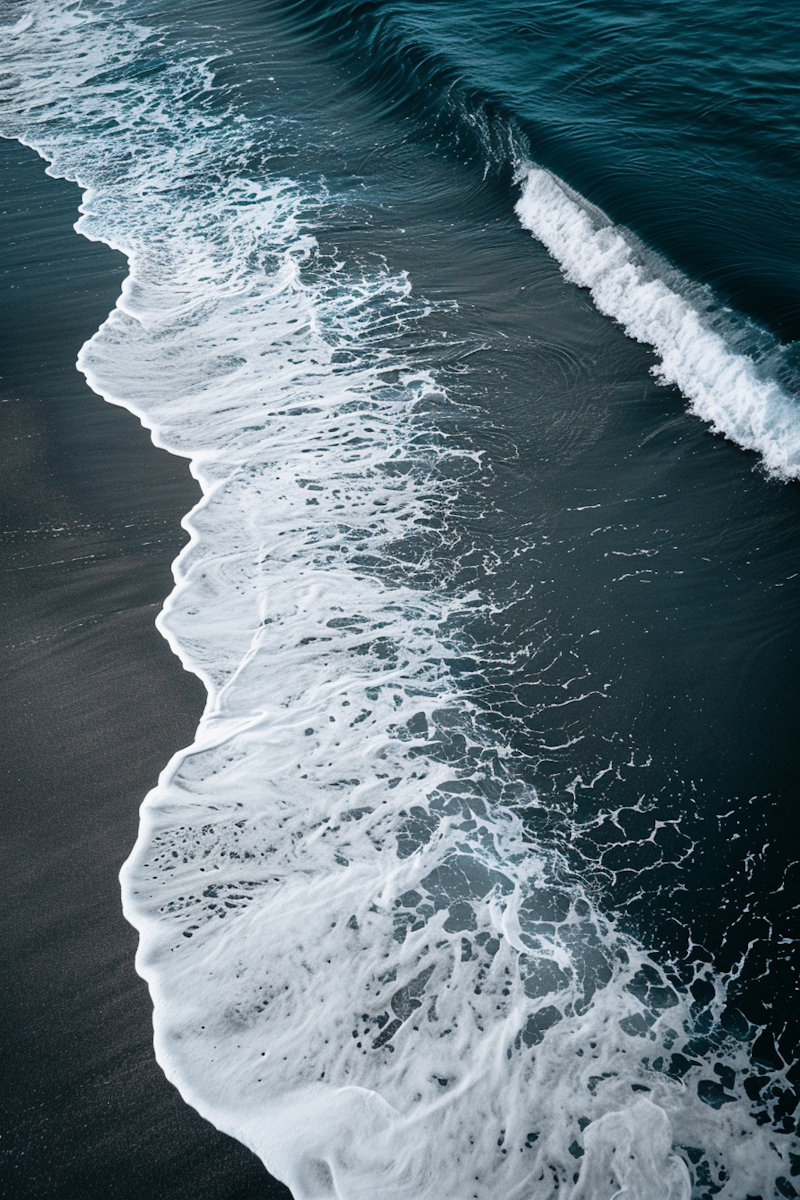
Minimalism works because it reduces competition.
One bold shape in a clean frame is often more powerful than five competing ones.
If your image feels busy, crop tighter.
This is where editing becomes crucial. Sometimes the shape was always there — you just need to remove distractions around it. Cropping tools and selective blur adjustments can transform an average shot into a striking shape-based composition.
5. Use Contrast to Define Shape Edges
Shape disappears without contrast.
Low contrast = muddy outlines.
Strong tonal separation = defined form.
Increasing contrast carefully (not excessively) helps shapes stand out. In Colorcinch, small adjustments to contrast, clarity, and shadows can make edges more pronounced without making the image look harsh.
The goal is definition, not drama.
Shape in Different Photography Genres
Portrait Photography
Most people don’t think about shape in portrait photography — but it matters.
Arms bent at angles create triangles.
Hair outlines form organic shapes.
Background arches create circular framing.
A subtle shift in pose can turn a static portrait into a dynamic composition.
Landscape Photography
Mountains form triangles.
Lakes create horizontal shapes.
Trees create vertical structure.
If your landscape photos feel flat, try composing around one dominant shape — like a triangular peak or curved shoreline.

Street Photography
Street scenes are full of accidental geometry.
Look for:
-
Reflections forming duplicate shapes
-
Staircases creating diagonals
-
Crosswalk stripes forming repeating rectangles
The best street photographers don’t just see people — they see shape patterns.
Common Mistakes When Using Shape in Photography
Even experienced photographers overlook these:
-
Too many competing shapes in one frame
-
Ignoring background shapes behind the subject
-
Relying only on color, not form
-
Over-editing and destroying edge clarity
If you want stronger compositions, simplify first.
Then build back intentionally.
How to Practice Seeing Shape
Here’s a simple but powerful exercise:
For one week, shoot with this constraint:
Each day, focus on only one type of shape.
Day 1: Circles
Day 2: Triangles
Day 3: Rectangles
Day 4: Organic shapes
Day 5: Shadow shapes
This trains your visual awareness dramatically.
You’ll start noticing compositional opportunities instantly — even without your camera.
Final Thoughts: Why Shape Is the Foundation of Powerful Photography
Light attracts attention.
Color creates emotion.
But shape creates structure.
Without structure, your image feels scattered.
With intentional shape, it feels designed.
If you want to improve your photography composition skills, start simplifying your scenes into basic forms. Squint at your photo. Does it still read clearly? If yes, your shapes are working.
And when refining your final image, don’t forget that editing can enhance — not replace — strong composition. Subtle contrast adjustments, cropping, and clarity tweaks (using tools like Colorcinch) can help define shapes and strengthen visual impact without overprocessing.
Once you train your eye to see shape in photography, you’ll realize it was always there.
You just weren’t looking for it yet.
