

Free online photo editor.
Enjoy the best version of your photos with our complete online AI photo editor. Retouch, crop, resize, add text and do so much more.
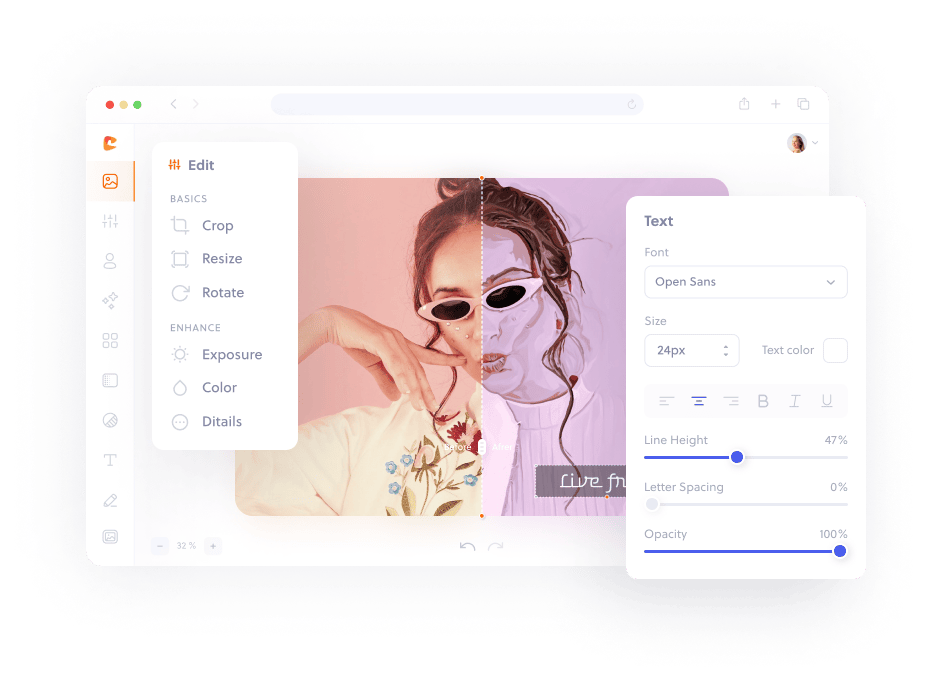
How to edit an image in three simple steps.
Upload your image to Colorcinch.
Use the array of tools to make any adjustments.
Instantly download your edited image.
Your all-in-one online AI photo editor
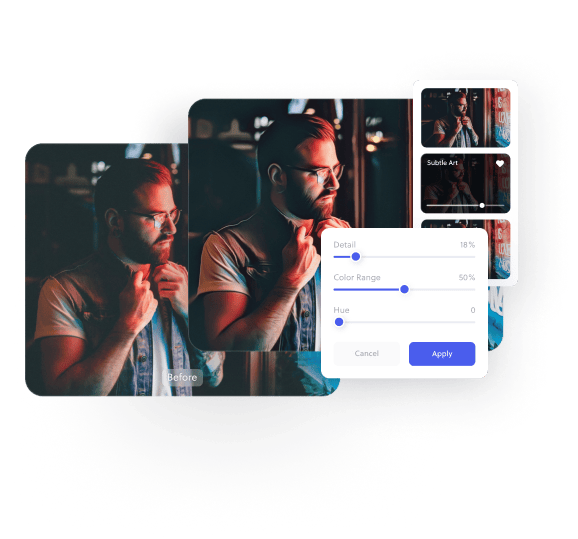
Our online AI photo editor features all the photo editing tools you’re looking for (plus so much more!) to make your photos picture perfect. Whether you want to take control of every edit option or simply enjoy playing with filters and overlays, we’ve got you covered with our image editor!
Frequently asked
questions
Colorcinch is a full-fledged online AI photo editor that features most of the photo editing tools you’ll need to enhance your photo quickly and easily.
From simple tasks like cropping, resizing and text editing, to more advanced features like exposure correction, color replacement and background removal – Colorcinch let’s you edit photos with ease with just one click.
In addition, Colorcinch features nearly 3 million stock photos, over 50,000 vector graphics, and thousands of artistic filters, effects and presets for all your photo editing needs. It’s a powerful cartoon photo editor that lets you easily turn your photos into cartoons online.
Colorcinch is a web-based photo editor tool which means it runs 100% within your web browser. No installation needed. Your projects are stored in the cloud and accessible from anywhere in the world.
In addition, an “offline mode” feature is also available if you wish to edit photos via the app, directly from your desktop browser. Photo editing has never been easier!
Yes, Colorcinch supports working with layers. All images, text, and graphics are rendered as layers – giving you greater control over your photo editing project.
Colorcinch supports most of the formats you’d like to use for photo editing: JPG/JPEG, BMP, PNG, and GIF. Projects can also be saved online (for future editing) or exported as JPG, PNG or PDF.
If you’re trying out Colorcinch as a free user, there’s no need to create an account. That’s right! We won’t ask for your credit card or e-mail. You can start photo editing right away, for free. Paying customers will, however, need to sign in using their Plus account to access the premium features.
While many of our tools are 100% free (including importing and exporting your creatives), we do offer a premium subscription for those looking to unlock additional perks and gain access to exclusive features.
We highly recommend that you try our free service first before deciding on a subscription plan.
Colorcinch is easy enough for anyone to use, whether you are familiar wtih professional editing tools or not. Change your background, create a collage, have some fun…all with one simple tool.
Get the Colorcinch Mobile App
Turn photos into art, remove backgrounds, upscale, and fix faces - all in one app. Instantly cartoonize, restore, and enhance your images with HD export and easy-to-use tools. Available free for iOS & Android.
Get the app