

Draw on images online.
Want to add a personal touch to your image? Our online tool allows you to draw on pictures to create a unique finish that is all your own.
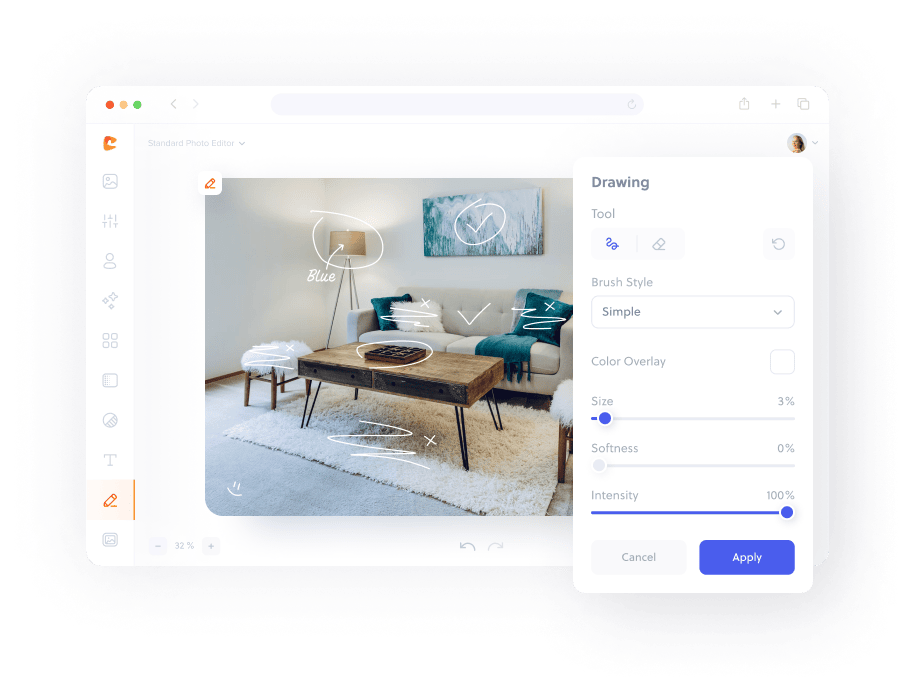
How to draw on an image in three simple steps.
To get started, upload an image to Cartoonize.
Use a variety of brush options to add a drawing.
Instantly download your customized picture.
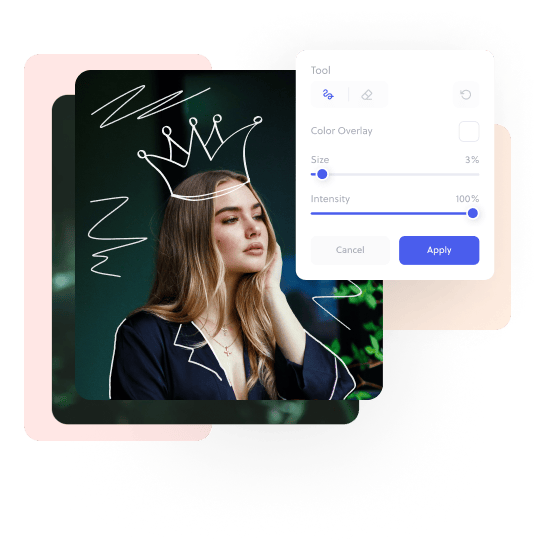
The simplest drawing tool for your photos online, for free
Frequently asked
questions
You can draw on any image by using the Online Photo Drawing tools. It’s as easy as using a pen and paper, but your tools are your screen and your mouse.
Get started by uploading your image to Cartoonize. Then, navigate to the Draw menu and click on Add Drawing. With the right tool selected, you can turn your screen into a canvas and paint at leisure – for free! Don’t forget to save your images. You can always edit them later.
Our drawing tool also features an option to edit any unwanted lines and shapes.
You can find the Erase tool in the Drawing Tools menu. Simply select it and paint over the drawings you’d like to erase, so you can create your masterpiece to your exacting standards.
To adjust the strength or the color of your strokes in the drawing tool, navigate to Drawing – Intensity and decrease its value. Intensity set to 100% will result in opaque strokes while decreasing its value will make the strokes more translucent. That way, you can sketch with pencil precision.
To soften the edges of your strokes, use the Drawing – Softness slider and increase its value. You can use many of our tools to paint your images in the exact way you’ve envisioned.
Of course. While in the Drawing menu, click on the Color box and select a new color to use with your brush. There are many different color options to choose from.
There are lots of reasons for drawing on images online. Some people use online photo drawing as a form of artistic expression, or draw pictures online as fan art. You can also use our online image drawer to add watermarks or other forms of protection to your image.
Drawing on images online using someone else’s work may require permission or licensing. As popular as online image drawing is, it’s best to acquire permission first before attempting to upload or sell your images. That way, your next masterpiece can’t get you into trouble with the owner of the original work.
Well, of course! You can download and share whatever you make in a variety of formats. Upload your work to social media for your friends to like or enjoy, create a scrapbook, or just have fun. Once you are done, you can create a new artwork or draw on your next photo. We have all the tools and information you need.
Get the Cartoonize Mobile App
Turn photos into art, remove backgrounds, upscale, and fix faces - all in one app. Instantly cartoonize, restore, and enhance your images with HD export and easy-to-use tools. Available free for iOS & Android.
Get the app